103
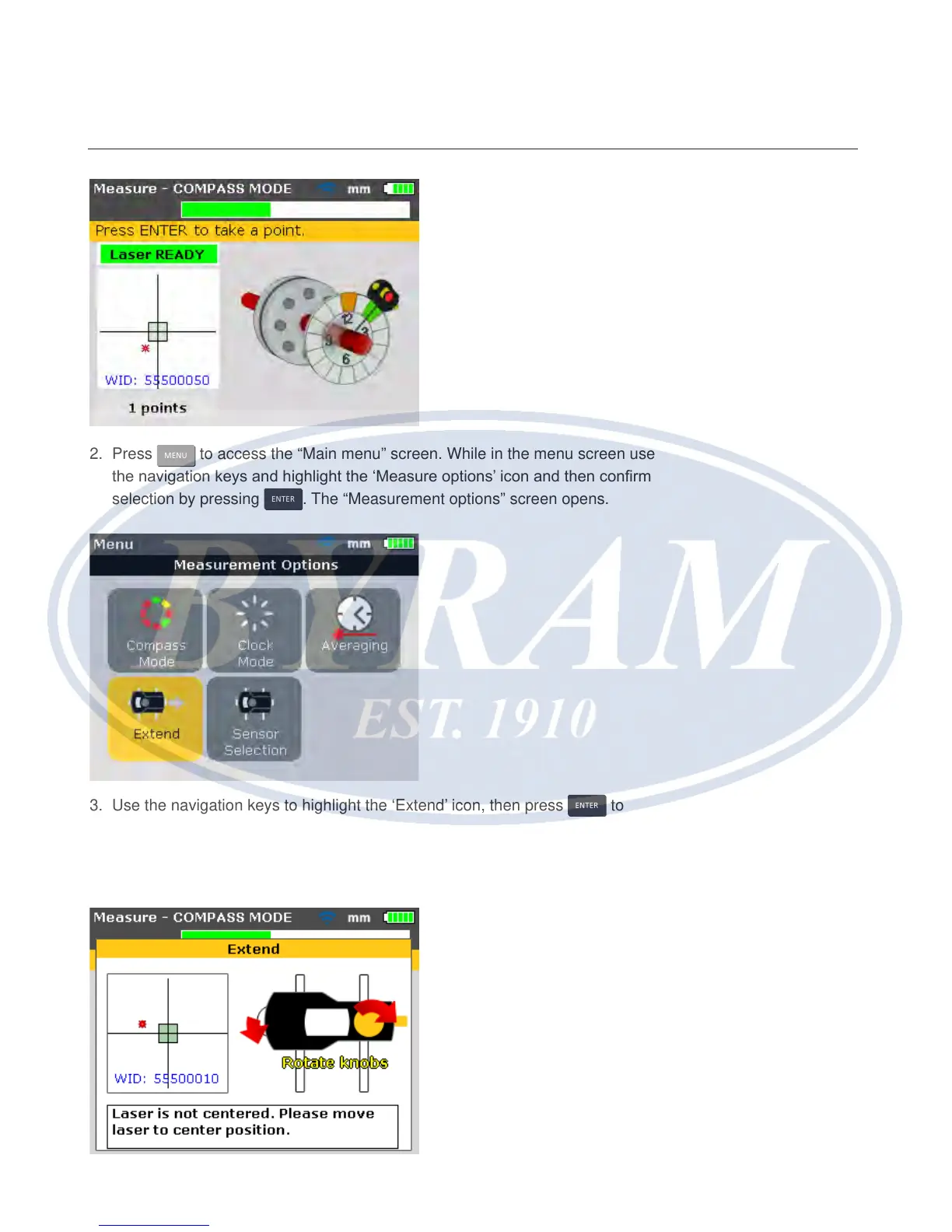
2. Press
MENU
to access the “Main menu” screen. While in the menu screen use
the navigation keys and highlight the ‘Measure options’ icon and then conrm
selection by pressing
ENTER
. The “Measurement options” screen opens.
3. Use the navigation keys to highlight the ‘Extend’ icon, then press
ENTER
to
conrm selection. The program interrupts measurement and switches to the
beam adjustment screen. The current beam position is automatically recorded
and taken as the starting point for range extension.
Alignment options
Extend



 To Next Page