105
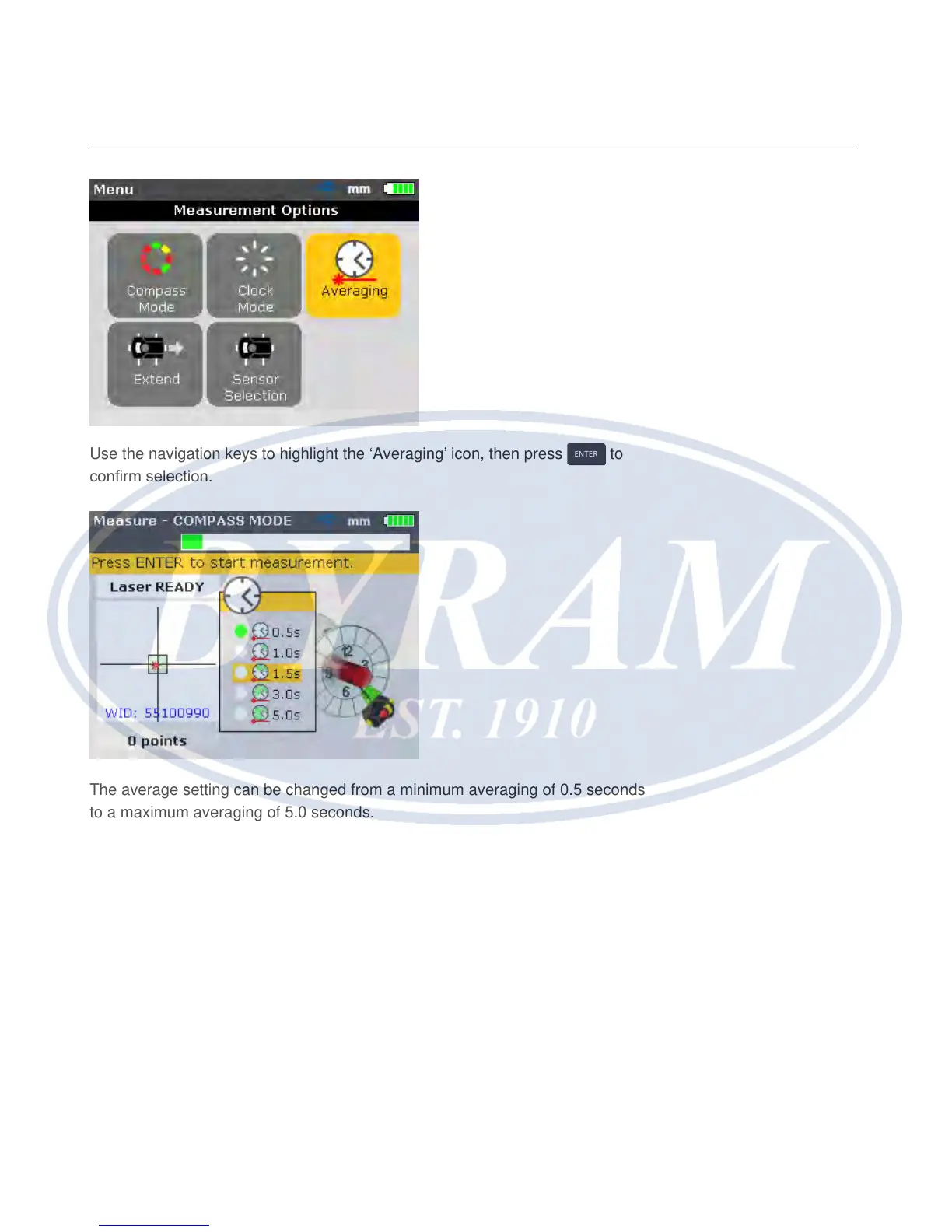
Use the navigation keys to highlight the ‘Averaging’ icon, then press
ENTER
to
conrm selection.
The average setting can be changed from a minimum averaging of 0.5 seconds
to a maximum averaging of 5.0 seconds.
Note
The averaging setting that is selected will also be active in soft foot and Move.
Should high averaging be selected, patience must be exercised during Move
to allow the Product enough time to “catch-up”as the machine is moved. In this
case, each reading that must be calculated to update the graphic display will
take a longer time. Averaging cannot be changed once a measurement has
been started.
Alignment options
Averaging



 To Next Page