113
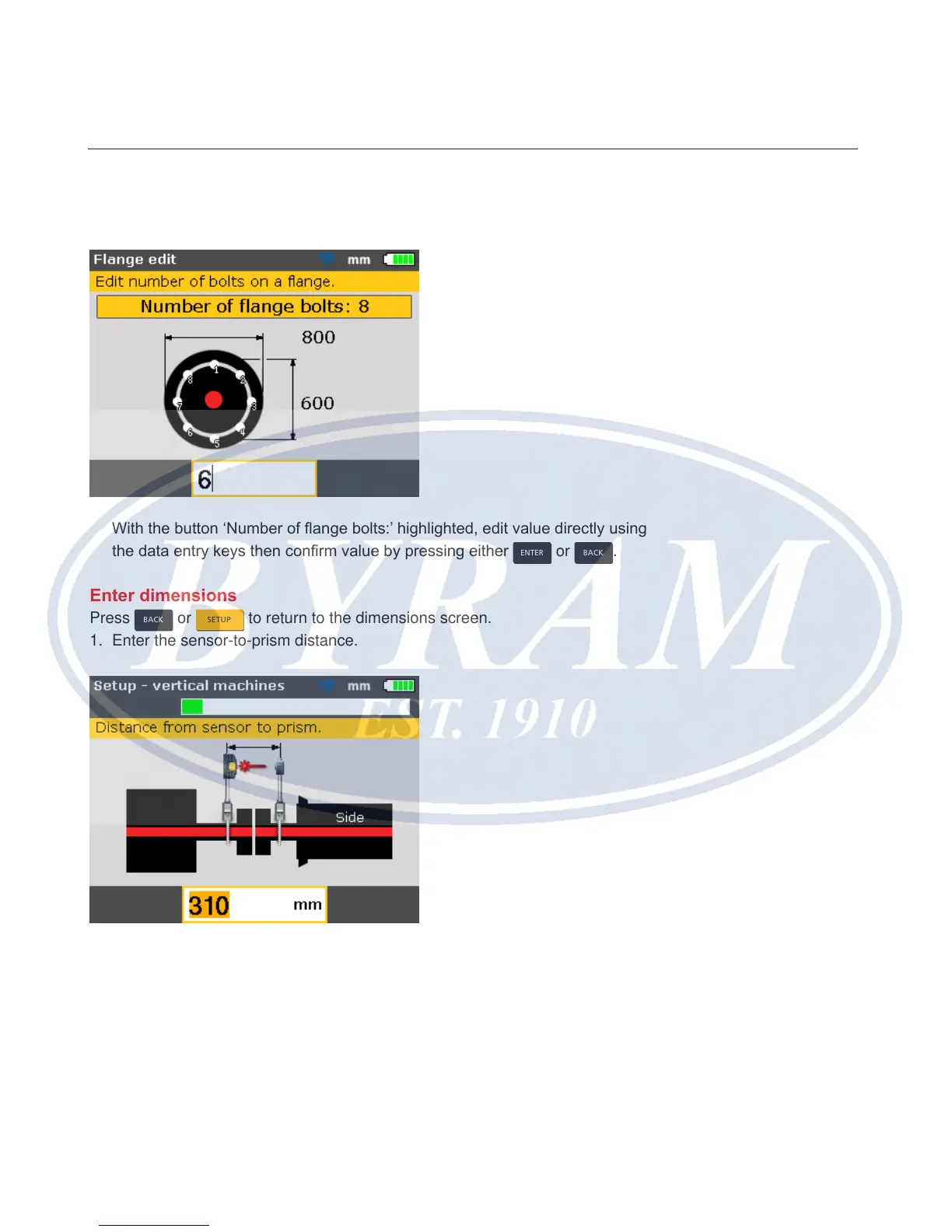
7. To edit the number of ange bolts, use the navigation keys to highlight
‘Number of ange bolts:’
With the button ‘Number of ange bolts:’ highlighted, edit value directly using
the data entry keys then conrm value by pressing either
ENTER
or
BACK
.
Enter dimensions
Press
BACK
or
SETUP
to return to the dimensions screen.
1. Enter the sensor-to-prism distance.
Note
The sensor-to-coupling center distance is calculated as half the sensor-to-
prism distance automatically. Should need be, this value can be edited directly
using the data entry keys.
Vertical flanged machines
Enter dimensions



 To Next Page