830
Users Manual
120
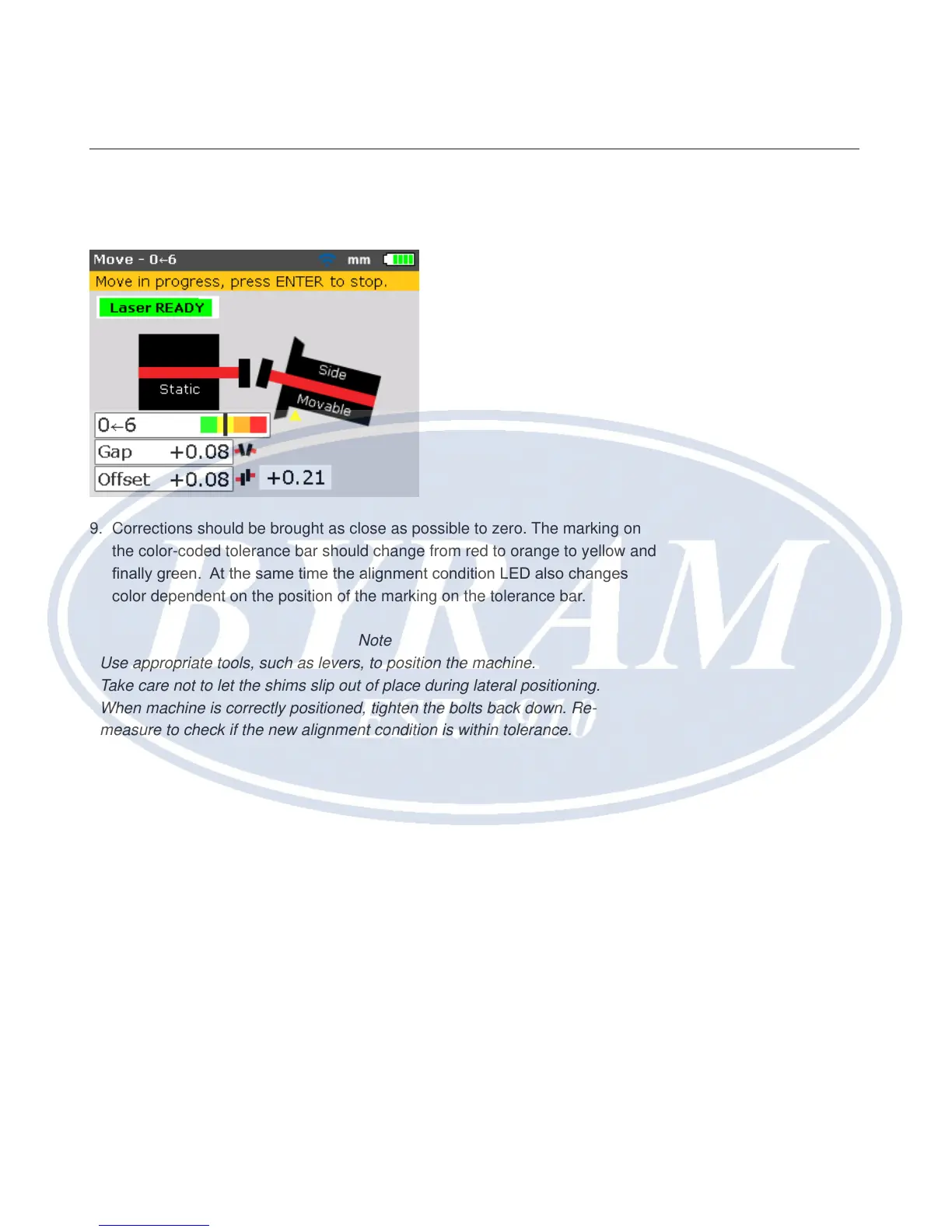
8. Loosen the ange bolts. Move the machine laterally in the direction of the
yellow triangle as indicated in the Live Move display.
9. Corrections should be brought as close as possible to zero. The marking on
the color-coded tolerance bar should change from red to orange to yellow and
nally green. At the same time the alignment condition LED also changes
color dependent on the position of the marking on the tolerance bar.
Note
Use appropriate tools, such as levers, to position the machine.
Take care not to let the shims slip out of place during lateral positioning.
When machine is correctly positioned, tighten the bolts back down. Re-
measure to check if the new alignment condition is within tolerance.



 To Next Page