830
Users Manual
26
Device settings
To open the “Device settings” screen, use the navigation keys to highlight the
‘Device settings’ icon then conrm selection by pressing
ENTER
. The available
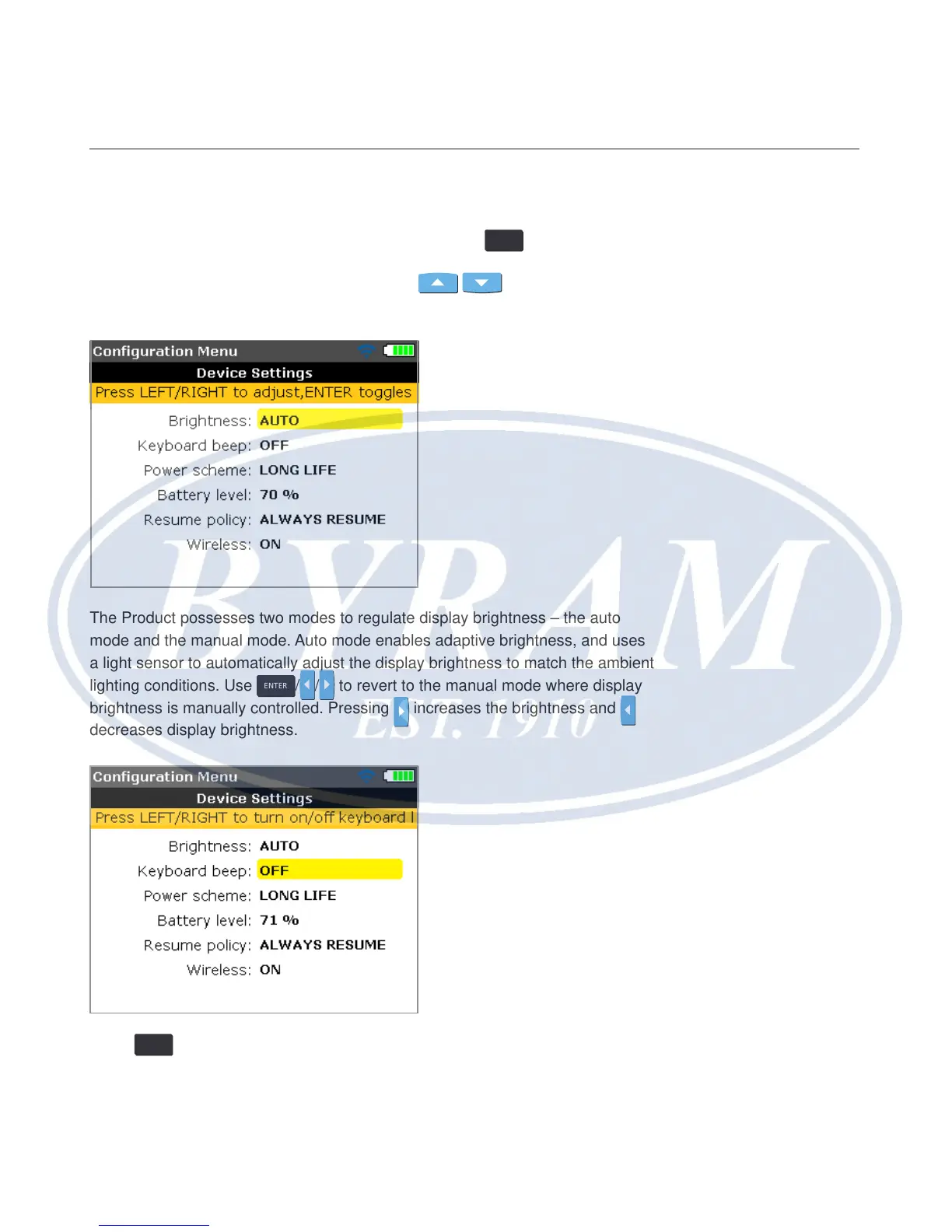
settings are displayed. These include brightness, keyboard beep, power scheme,
battery level, resume policy and Wireless. Use
/ to select item to be
set.
The Product possesses two modes to regulate display brightness – the auto
mode and the manual mode. Auto mode enables adaptive brightness, and uses
a light sensor to automatically adjust the display brightness to match the ambient
lighting conditions. Use
ENTER
/ / to revert to the manual mode where display
brightness is manually controlled. Pressing
increases the brightness and
decreases display brightness.
Press
ENTER
to toggle between keyboard beep on/off. When the keyboard beep is
enabled (on), a beeping sound accompanies the pressing of any key.



 To Next Page