27
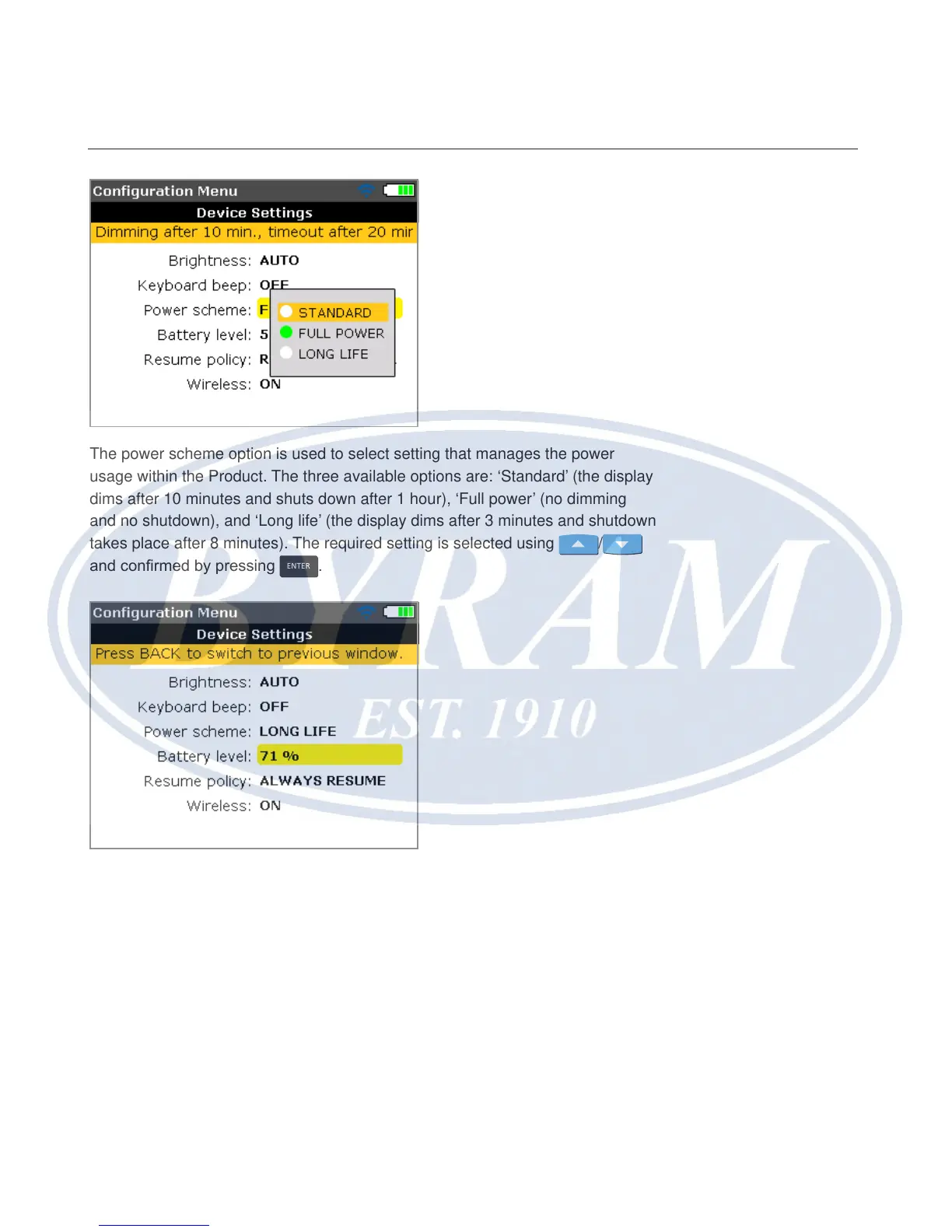
The power scheme option is used to select setting that manages the power
usage within the Product. The three available options are: ‘Standard’ (the display
dims after 10 minutes and shuts down after 1 hour), ‘Full power’ (no dimming
and no shutdown), and ‘Long life’ (the display dims after 3 minutes and shutdown
takes place after 8 minutes). The required setting is selected using
/
and conrmed by pressing
ENTER
.
The capacity of the battery appears next to the battery level bar. This value
corresponds to the charge level indicated on the battery icon that appears on the
right top corner of the display, and appears in every screen.
Configuration and data management
Device settings



 To Next Page