830
Users Manual
38
‘Print report’ – This option is used to print the measurement report or the soft foot
measurement report.
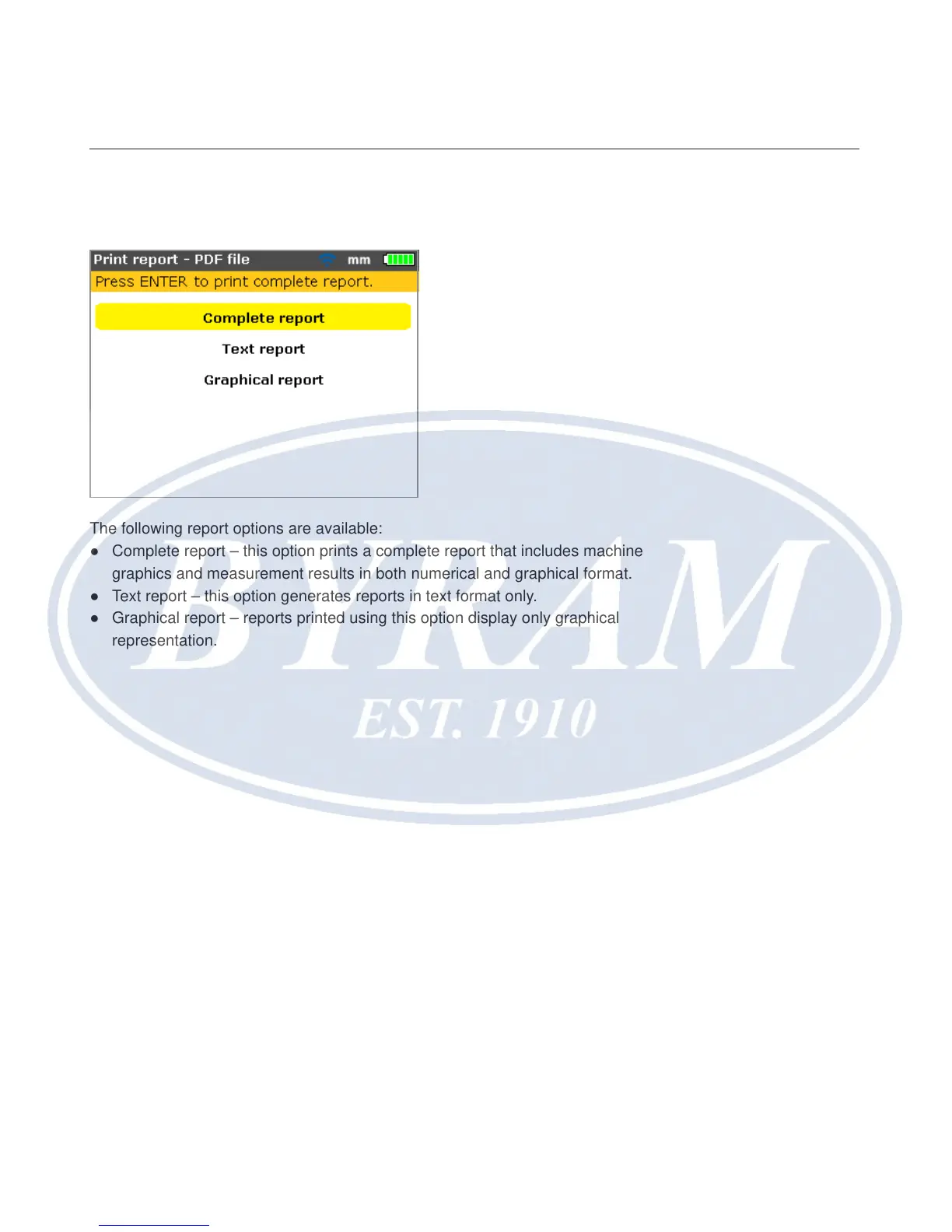
The following report options are available:
● Complete report – this option prints a complete report that includes machine
graphics and measurement results in both numerical and graphical format.
● Text report – this option generates reports in text format only.
● Graphical report – reports printed using this option display only graphical
representation.



 To Next Page