61
Remove sensor cap
Warning
Do not stare into beam.
The laser beam is now on! Leave the prism cap on. When the beam strikes the
cap it should be readily visible. Should the beam be so far off target that it misses
the prism completely, hold a sheet of paper in front of the prism to try and locate
the beam.
Adjust beam onto prism cap
With the prism dust cap still in place, adjust the beam onto the center of the
target (refer to Figure 6-2):
● To adjust vertically slide the prism and/or sensor up and down along the
support posts. Use the thumbwheel on the side of the prism housing. To move
the sensor, loosen the yellow knobs.
● To adjust horizontally you will have to loosen one of the brackets on the shaft
and rotate it slightly. Retighten.
Remove prism cap and establish communication between the
sensor and the Product
The Product collects measurement data using either the wireless module or via
the sensor interface.
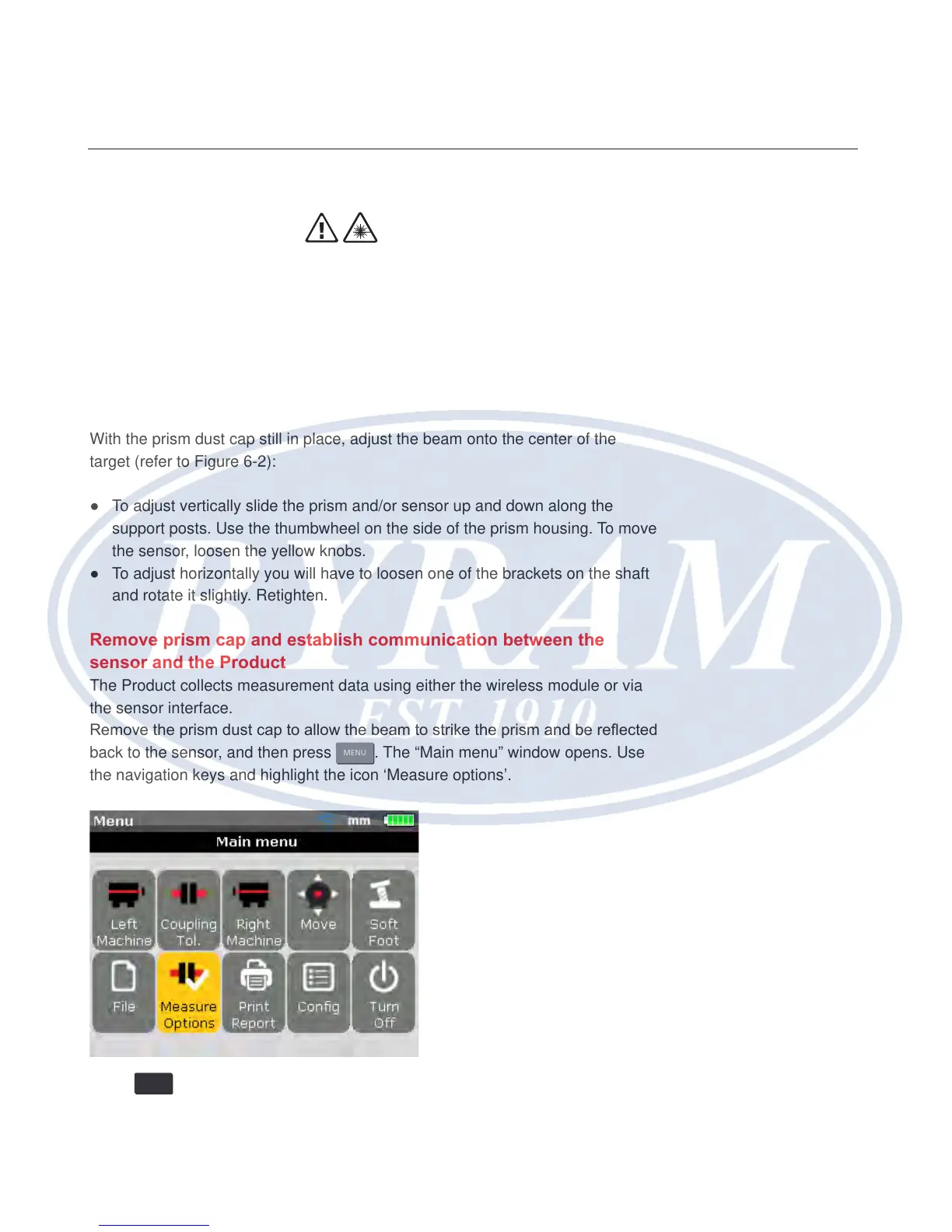
Remove the prism dust cap to allow the beam to strike the prism and be reected
back to the sensor, and then press
MENU
. The “Main menu” window opens. Use
the navigation keys and highlight the icon ‘Measure options’.
Press
ENTER
to conrm selection. The “Measurement options” window opens. Use
the navigation keys and highlight the icon ‘Sensor selection’.
Horizontal shaft alignment
Laser beam adjustment



 To Next Page