830
Users Manual
62
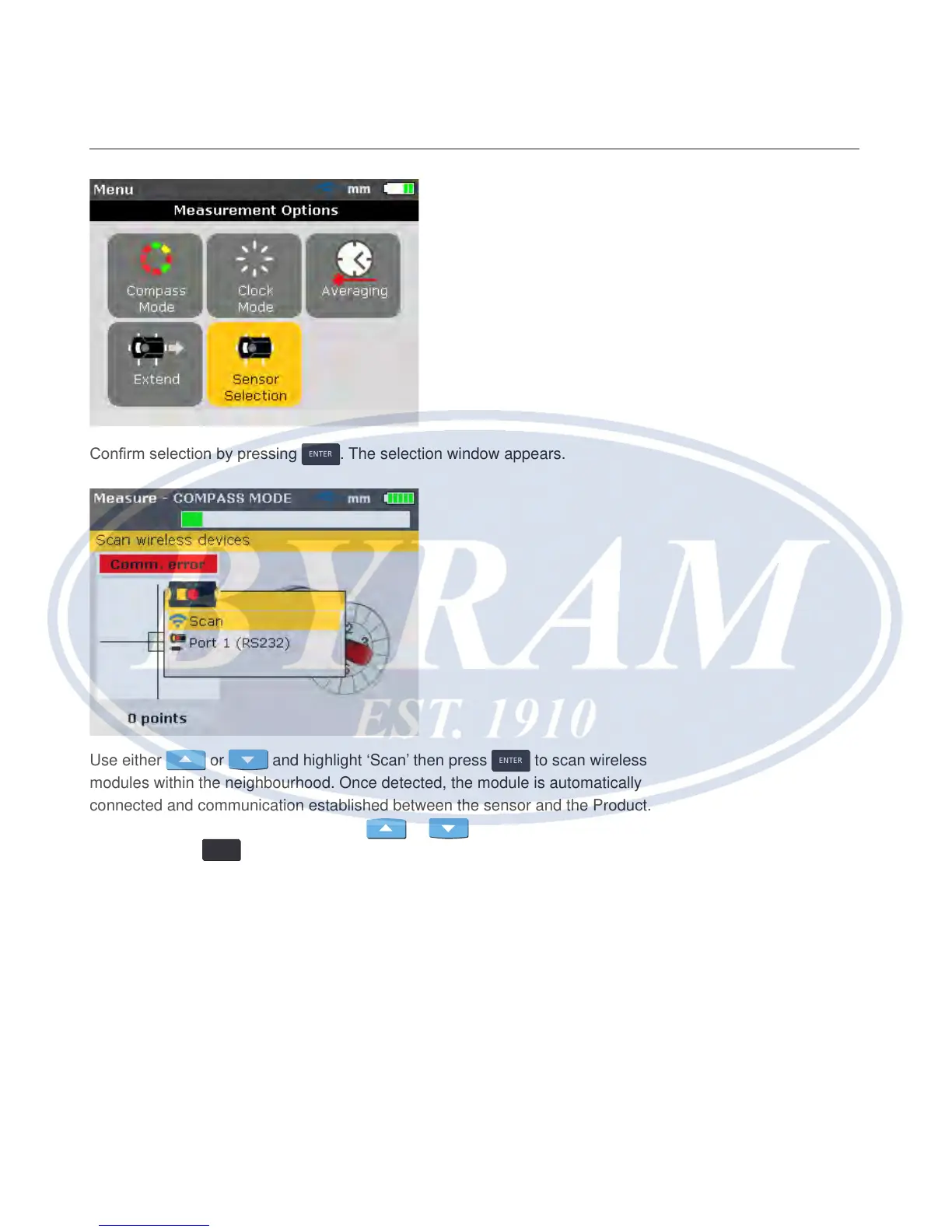
Conrm selection by pressing
ENTER
. The selection window appears.
Use either
or and highlight ‘Scan’ then press
ENTER
to scan wireless
modules within the neighbourhood. Once detected, the module is automatically
connected and communication established between the sensor and the Product.
If using the sensor interface, use either
or and highlight “Port 1
(RS232)”. Press
ENTER
to conrm selection, and proceed with laser beam adjustment.



 To Next Page