63
Note
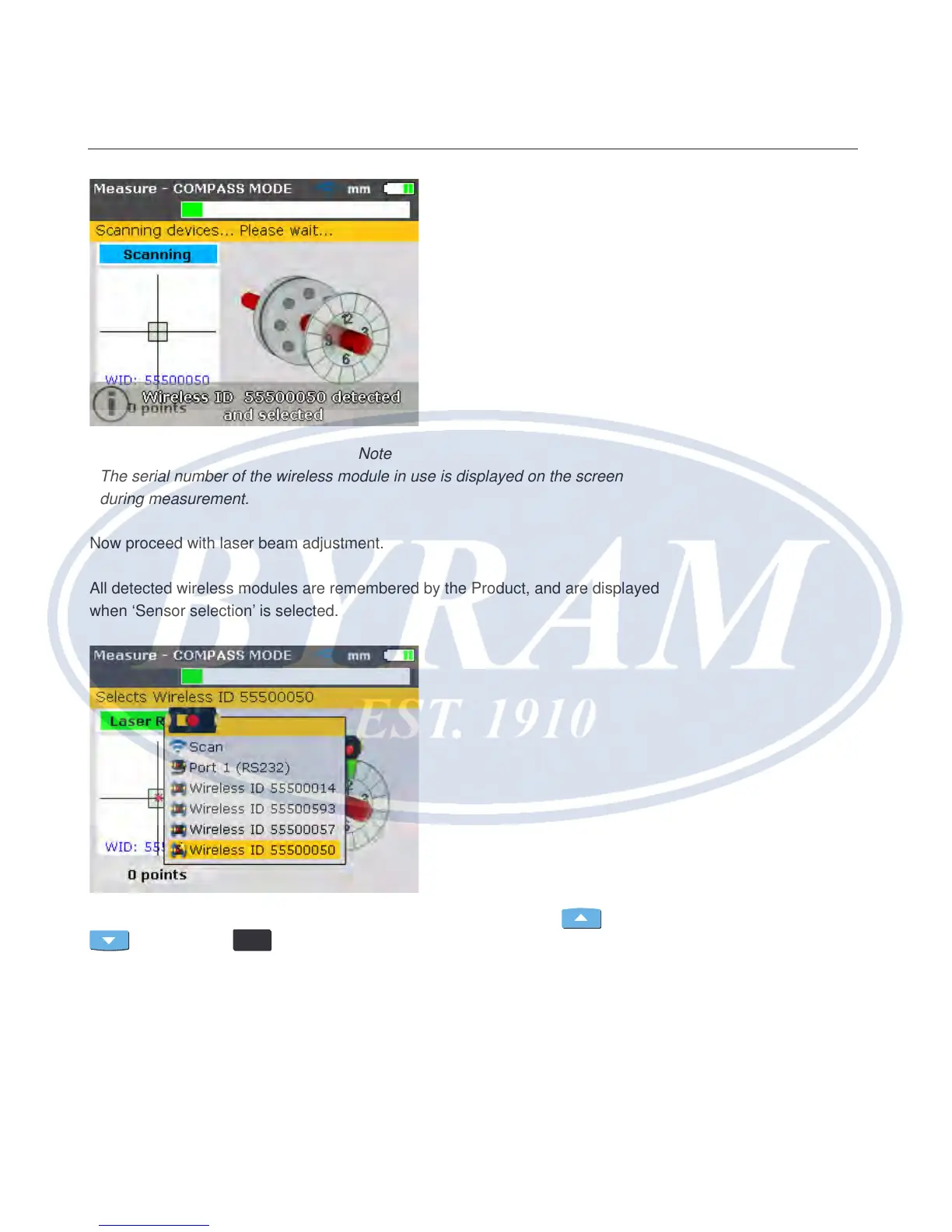
The serial number of the wireless module in use is displayed on the screen
during measurement.
Now proceed with laser beam adjustment.
All detected wireless modules are remembered by the Product, and are displayed
when ‘Sensor selection’ is selected.
In this case, the desired wireless module is highlighted using either
or
then pressing
ENTER
to conrm selection.
Horizontal shaft alignment
Wireless communication



 To Next Page