75
Start live horizontal Move
While in results screen, press
ENTER
or
MENU
. The “Main menu” window opens.
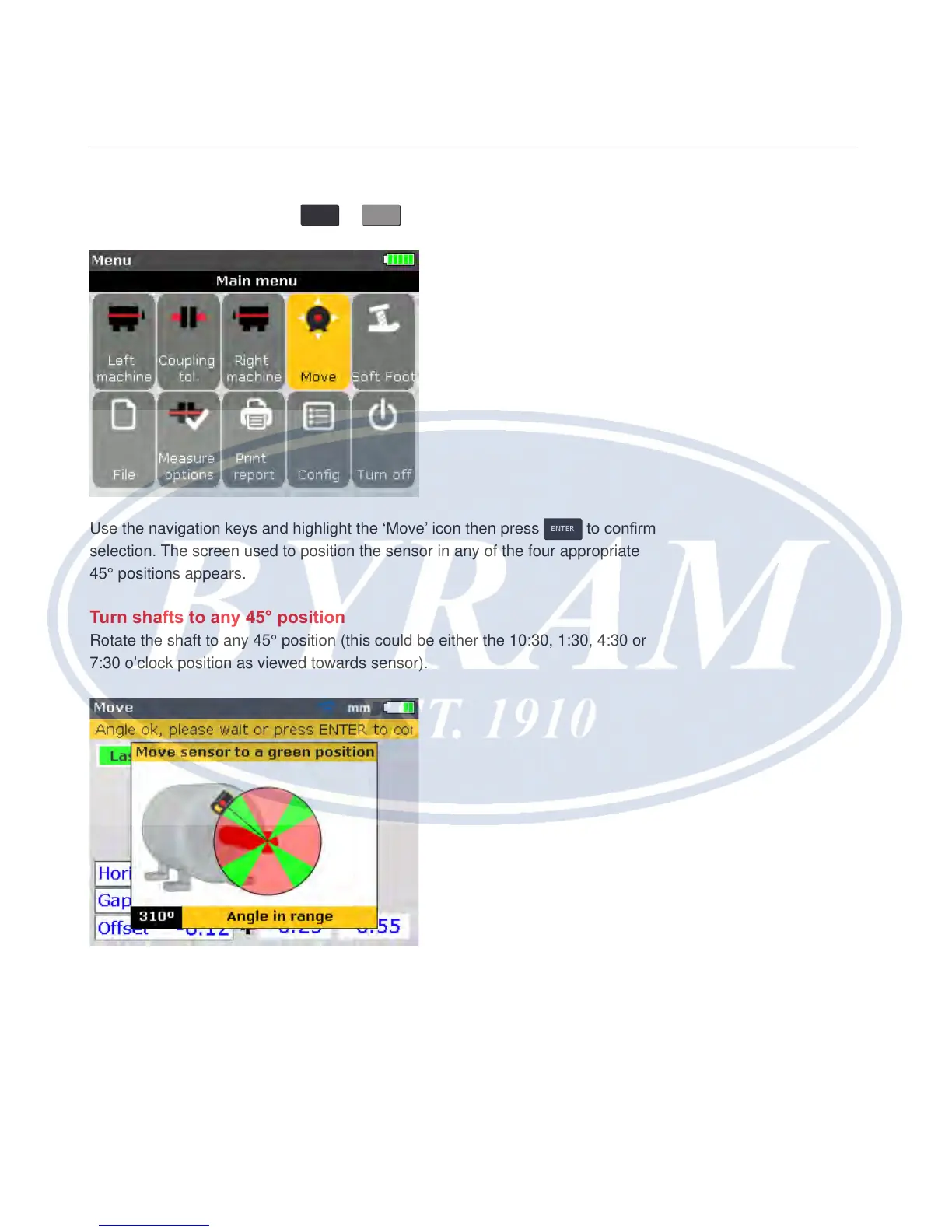
Use the navigation keys and highlight the ‘Move’ icon then press
ENTER
to conrm
selection. The screen used to position the sensor in any of the four appropriate
45° positions appears.
Turn shafts to any 45° position
Rotate the shaft to any 45° position (this could be either the 10:30, 1:30, 4:30 or
7:30 o’clock position as viewed towards sensor).
If the laser beam has been centered, rotating the shaft to an angular position
corresponding to any of the four green sectors prompts the Move direction dialog
window.
Horizontal shaft alignment
Live Move



 To Next Page