79
Points to observe during the Move
Closely observe all the following points:
Have shafts accidentally moved (rotated)?
The shafts, sensor and prism MUST remain steady during the entire Move
procedure.
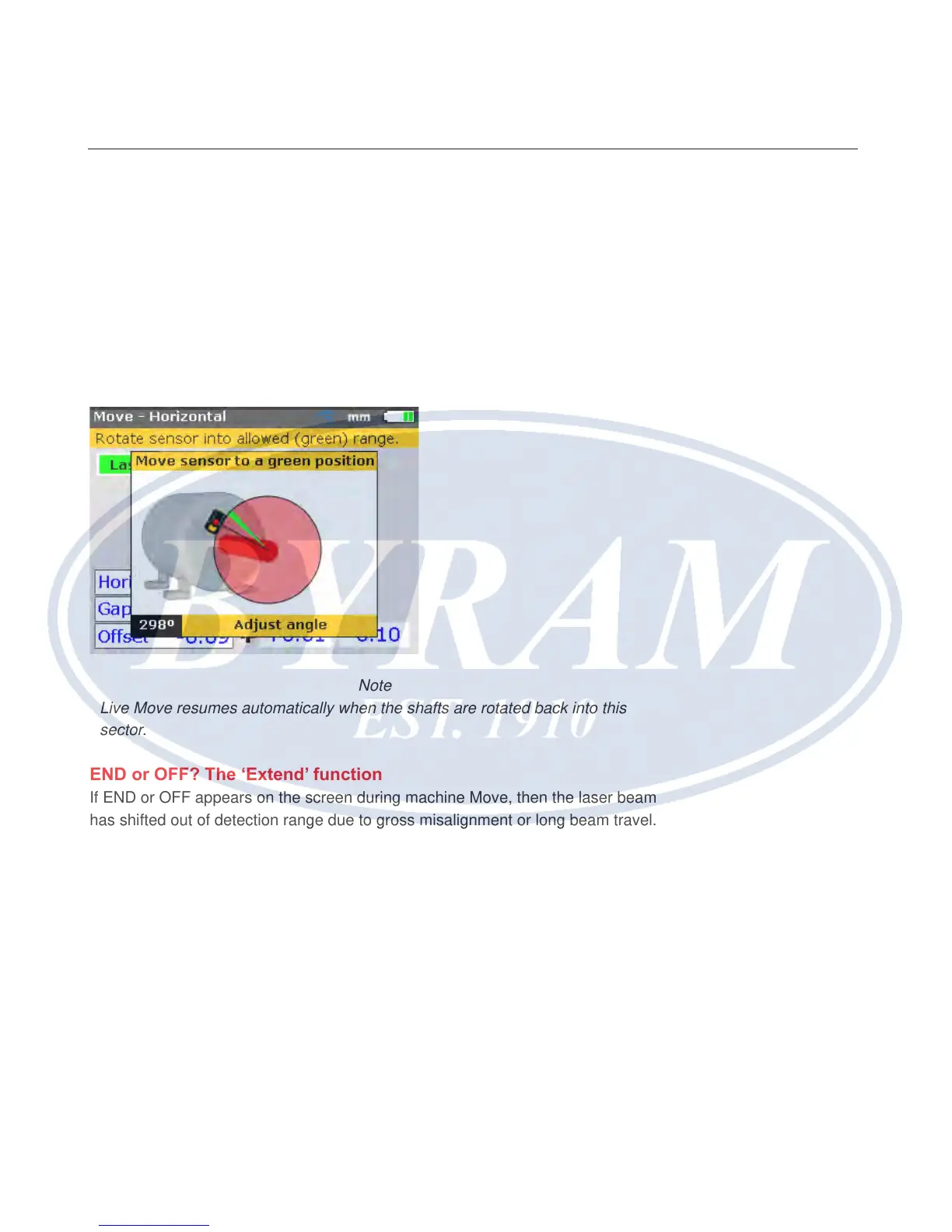
Should the shaft move from the set 45° green sector while in Move, the angle
selection screen comes up indicating the angle to which the shaft has rotated.
The shafts must be rotated back into the narrow green sector.
Note
Live Move resumes automatically when the shafts are rotated back into this
sector.
END or OFF? The ‘Extend’ function
If END or OFF appears on the screen during machine Move, then the laser beam
has shifted out of detection range due to gross misalignment or long beam travel.
In this case, the measurement range can be extended as described on page
102.
Nearing zero : watch the mark on the color-code tolerance bar and
the Product’s alignment condition LED
Proceed towards zero at both machine ends until the marking lands in the yellow
section of the tolerance bar. As the machine position moves towards zero,
the Product’s right LED changes from red (worse) to orange (bad) to yellow
(acceptable) to green (excellent).
Horizontal shaft alignment
Points to observe during the Move



 To Next Page