830
Users Manual
82
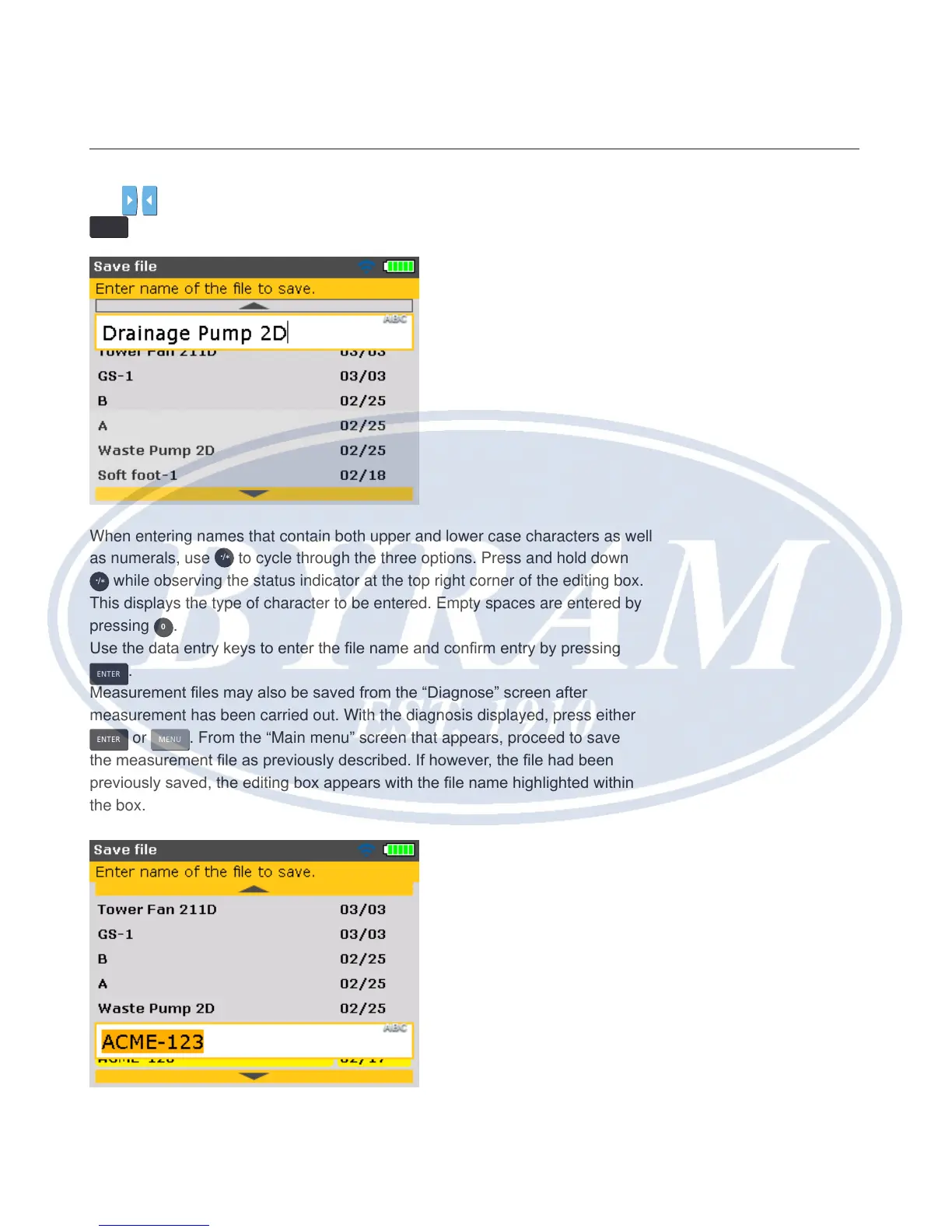
Use / and highlight the “Save le” icon then conrm selection by pressing
ENTER
. An empty editing box appears within the “Save le” screen.
When entering names that contain both upper and lower case characters as well
as numerals, use
/
.
*
to cycle through the three options. Press and hold down
/
.
*
while observing the status indicator at the top right corner of the editing box.
This displays the type of character to be entered. Empty spaces are entered by
pressing
0
.
Use the data entry keys to enter the le name and conrm entry by pressing
ENTER
.
Measurement les may also be saved from the “Diagnose” screen after
measurement has been carried out. With the diagnosis displayed, press either
ENTER
or
MENU
. From the “Main menu” screen that appears, proceed to save
the measurement le as previously described. If however, the le had been
previously saved, the editing box appears with the le name highlighted within
the box.



 To Next Page