83
In this particular example, the le “ACME-123” had previously been saved and
therefore the name appears highlighted in the editing box.
Press
ENTER
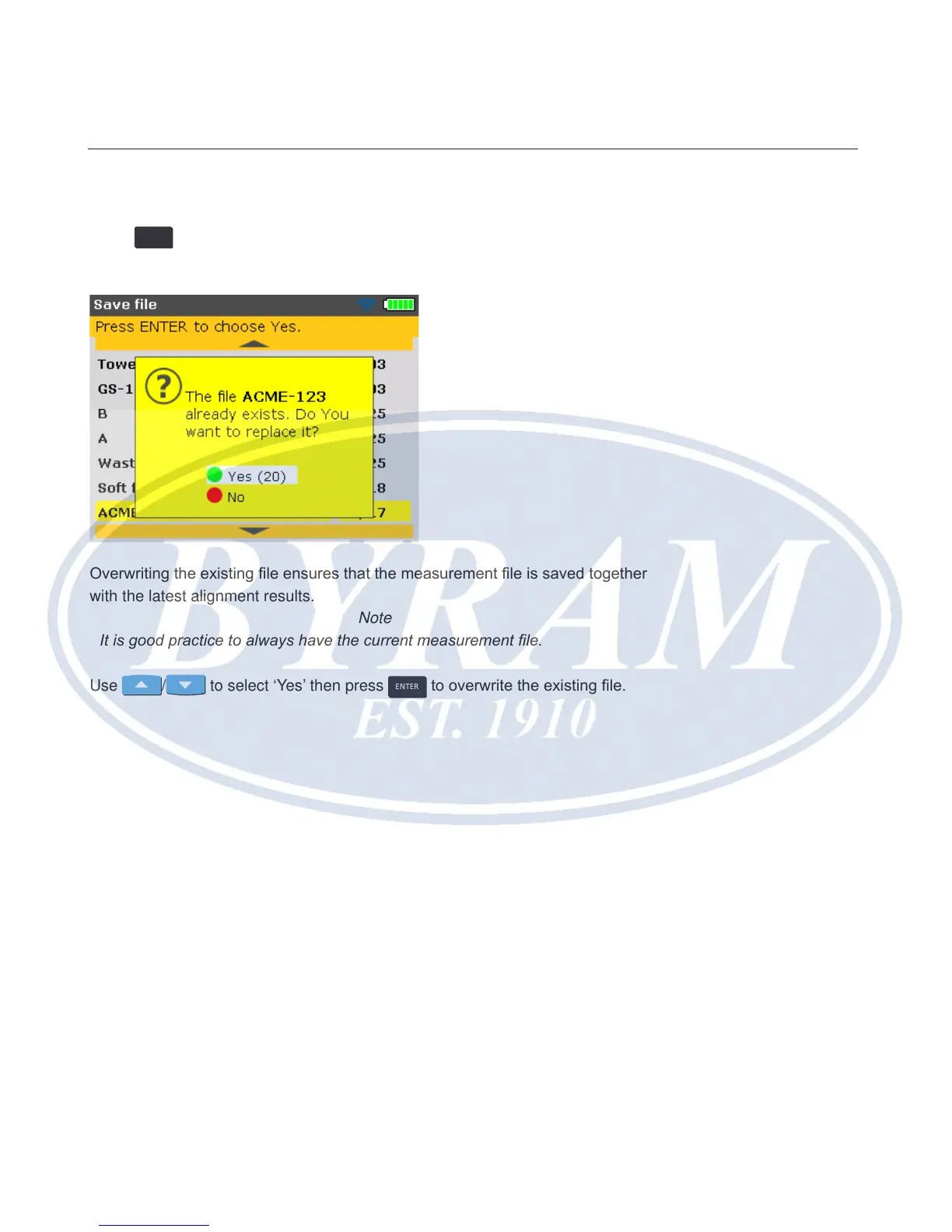
to save the measurement results under the displayed le name. A
hint requiring conrmation whether to overwrite the existing le appears.
Overwriting the existing le ensures that the measurement le is saved together
with the latest alignment results.
Note
It is good practice to always have the current measurement le.
Use
/ to select ‘Yes’ then press
ENTER
to overwrite the existing le.
Horizontal shaft alignment
Saving data and printing



 To Next Page