830
Users Manual
84
Printing reports
Using the default printer type ‘PDF le’, measurement reports may be saved
directly to the connected USB memory stick as a PDF, and then printed from any
congured printer.
Reports can also be printed directly from the Product to a printer. This is done
using the USB cable and the printer USB cable (supplied with the printer or
readily available in most electronics stores).
Measurement reports may be printed in a variety of ways.
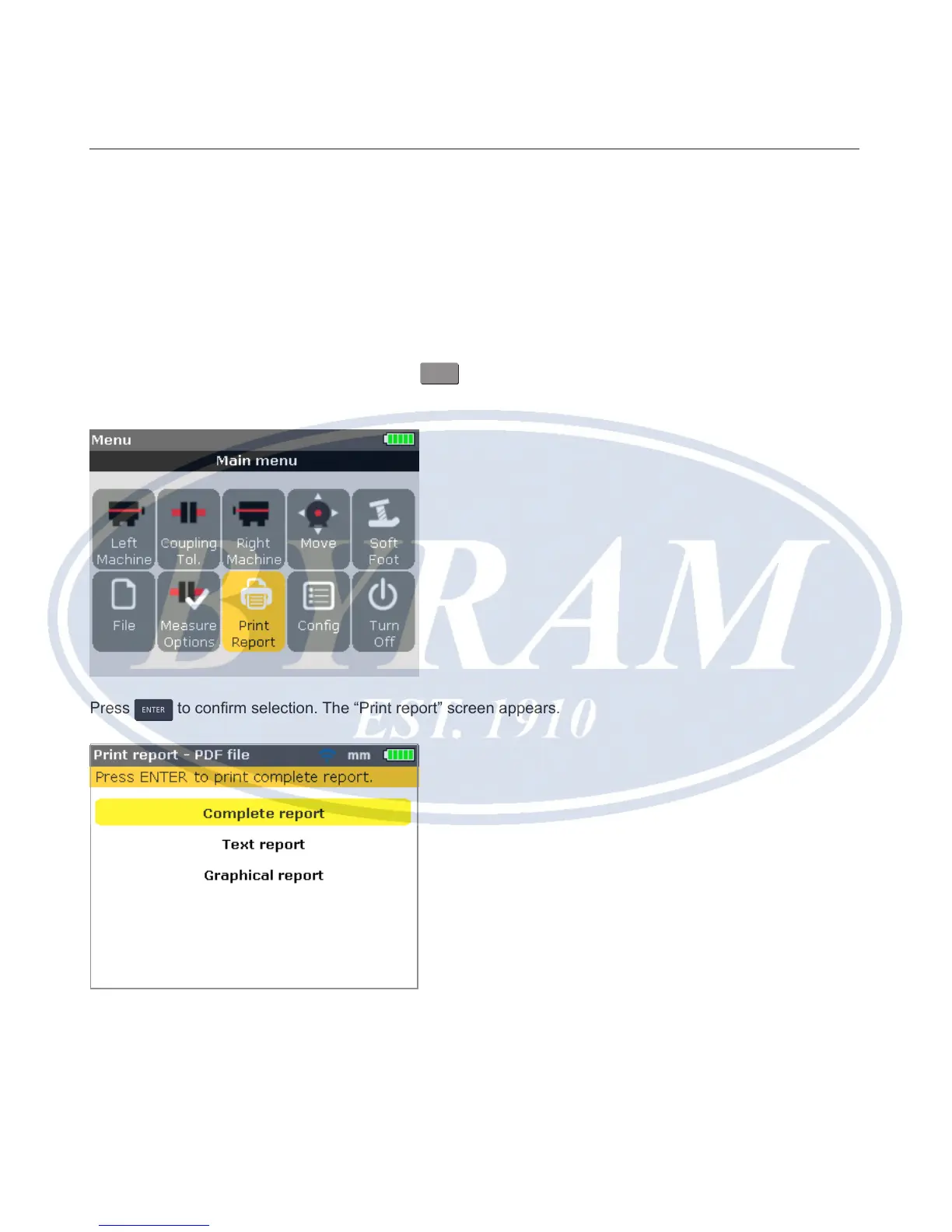
To print the current measurement report, press
MENU
then use the navigation
keys and highlight the ‘Print report’ icon.
Press
ENTER
to conrm selection. The “Print report” screen appears.
As may be seen from the screen header, the selected printer type is the default
– ‘PDF le’. In this case, the report will be saved as a PDF on the approved
memory stick.



 To Next Page