830
Users Manual
86
Conguring printer
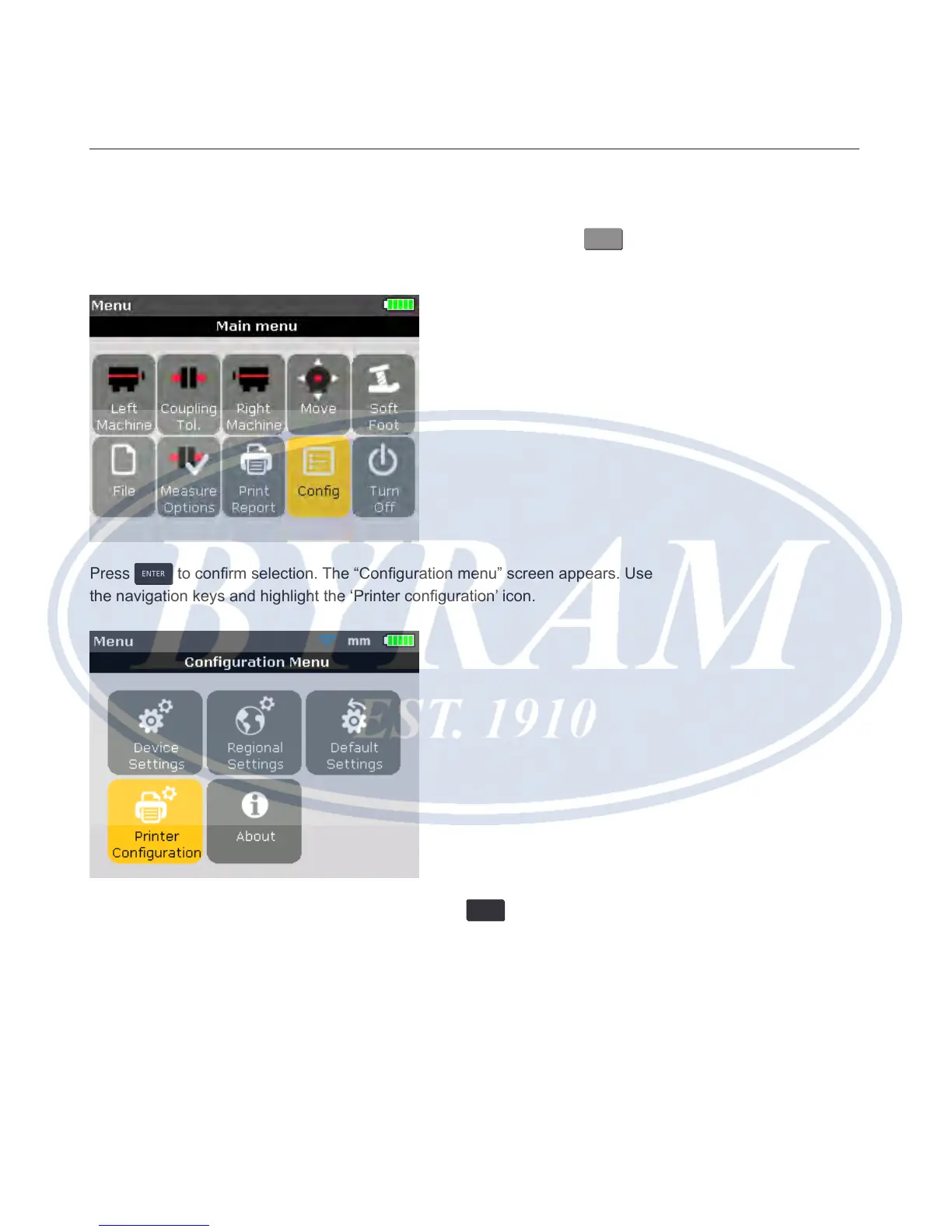
If it is desired to print the report directly from the Product, the printer settings
must be set accordingly. This can be carried out from the menu. Press
MENU
and
use the navigation keys and highlight the ‘Cong’ icon.
Press
ENTER
to conrm selection. The “Conguration menu” screen appears. Use
the navigation keys and highlight the ‘Printer conguration’ icon.
With the ‘Printer conguration’ icon highlighted, press
ENTER
to reveal the printing
options that may be congured.



 To Next Page