89
Note
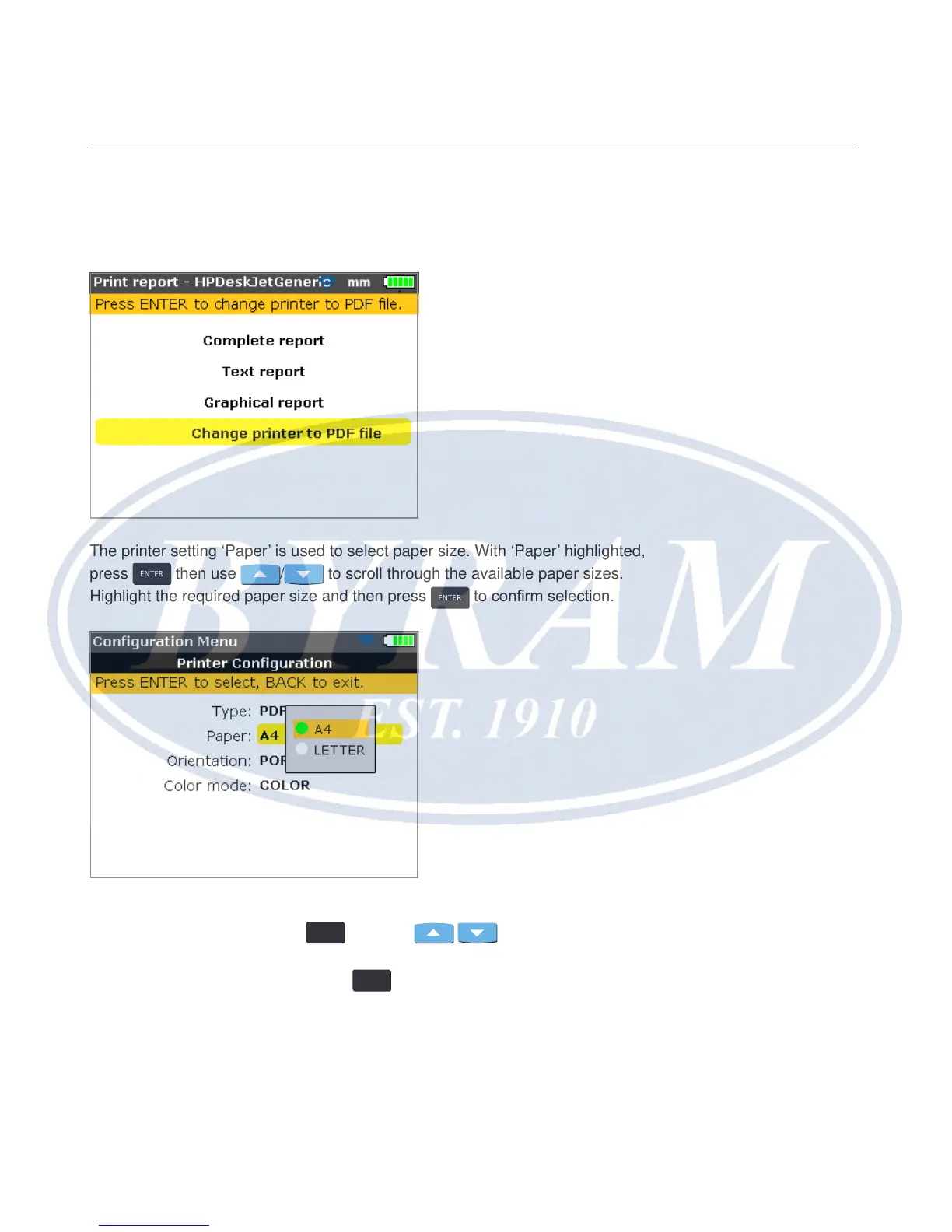
When printing a report directly to a printer, the “Print report” screen provides
an option to change to the default printer ‘PDF le’.
The printer setting ‘Paper’ is used to select paper size. With ‘Paper’ highlighted,
press
ENTER
then use / to scroll through the available paper sizes.
Highlight the required paper size and then press
ENTER
to conrm selection.
The printer setting ‘Orientation’ is used to change the page orientation. With
‘Orientation’ highlighted, press
ENTER
then use / to change the page
orientation between ‘Portrait’ for a vertical layout and ‘Landscape’ for a horizontal
layout. Conrm selection by pressing
ENTER
.
Horizontal shaft alignment
Available printing options



 To Next Page