AirCheck Wi-Fi Tester
Users Manual
28
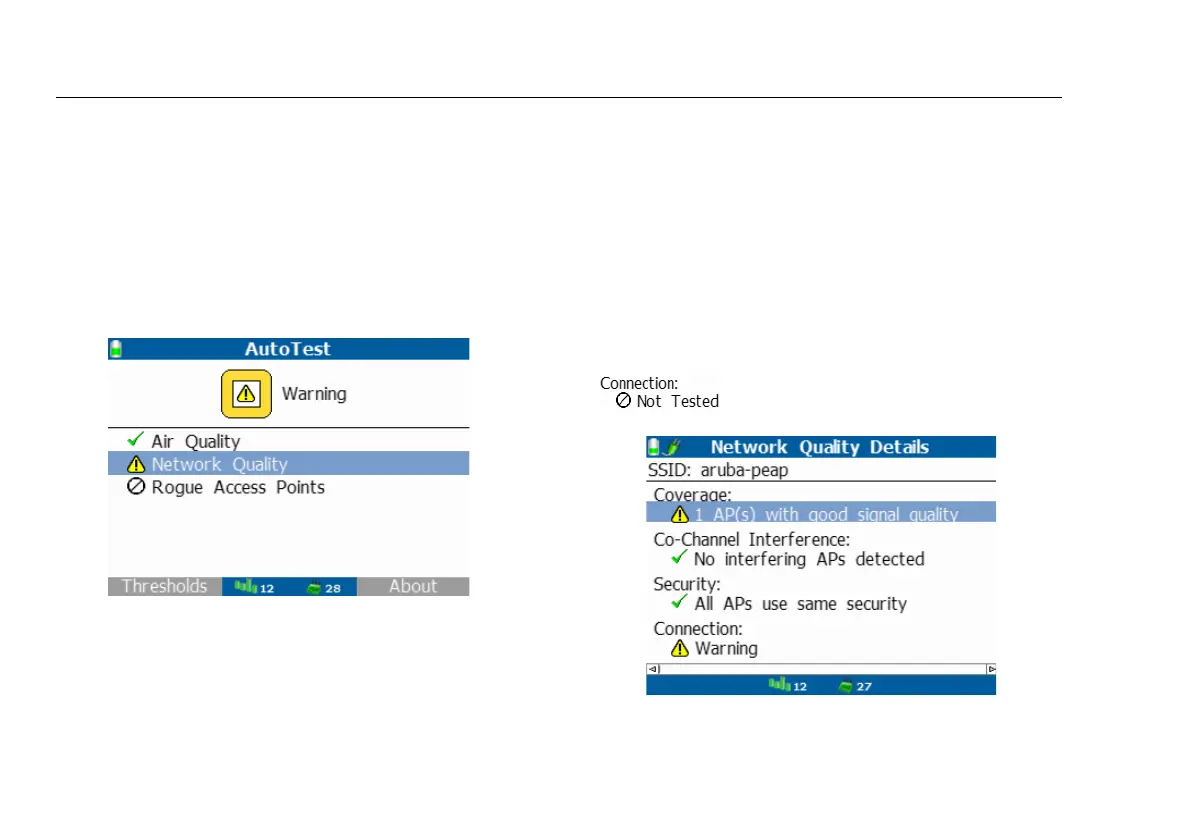
Network Quality
The Network Quality measurements check for network
availability provided, the existence of interference from
access points using the same channel which may cause
network slowness, AP use of consistent security methods for
a network, and the ability to connect and use the network
(access to services, other devices) and provide network
quality.
ffy26.bmp
Figure 10. Main AutoTest Display
Network security can be set up from the home screen by
selecting Networks > Connect and walking through the
security set up screens. See
Entering Security Credentials
on
page 66 for Connect procedures.
Network Quality tests are run for each SSID in the current
profile with results reported on the Network Quality screen.
All discovered SSIDs will be tested against if no SSIDs are set
up in the profile.
The Connection test results indicate whether or not you
can connect at your current location. The health of your
connection, e.g., packet tx rate, packet retries, and if you
can reach other devices on the network, e.g., ping.
The results are presented along with a rating of Pass,
Warning, or Fail. In order to run the Connect test, the
SSID security must be setup, otherwise you will see:
ffy27.bmp
Figure 11. Examining the Network Quality of an SSID



 To Next Page