What You Can Learn About Your Network
19
Are There Security Risks in My Network?
Do networks have the expected level of
security?
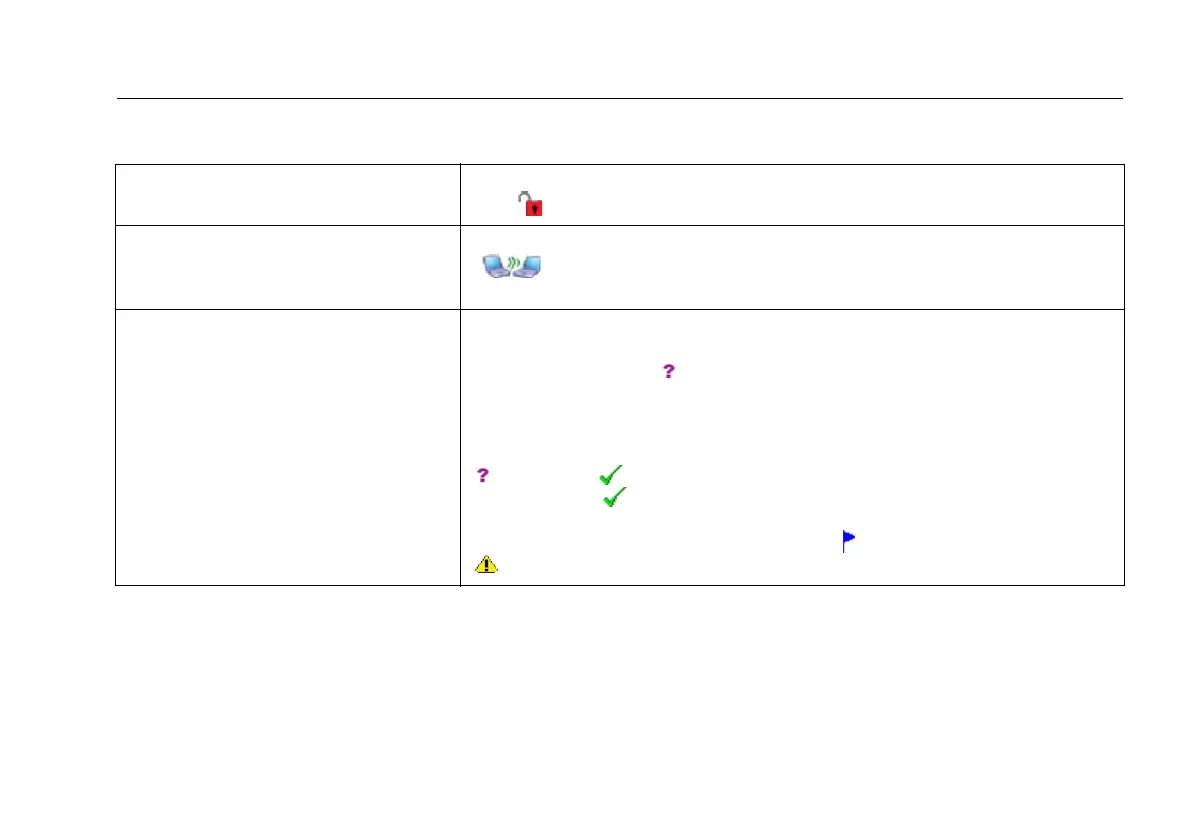
Select Networks. Networks that have unsecured access points show a red open
lock ( ). See page 48.
Are there any ad hoc networks in the
area?
Select Networks. Networks that have ad hoc clients show the ad hoc icon
(
) in the SSID column. Ad hoc clients can be risks to network security or
can violate network policies. See page 48.
Are there rogue access points in the
area? Where are they?
AirCheck can be used to help track the authorization status of discovered access
points. By default, when access points are discovered, they are assigned an
authorization status of
Unknown. You may change the status of individual or
groups of access points to reflect their relationship to your network e.g.,
authorized, neighbor, unauthorized.
You also have the option of changing the default device status from
Unknown to Authorized. Once changed, all discovered access points will
be identified as Authorized. You may then review the list and assign status
to individual access points accordingly. For example, if you know that an access
point is a rogue, you may give it the status of
Flagged device or
Unauthorized device. See page 45.



 To Next Page