User interface concept
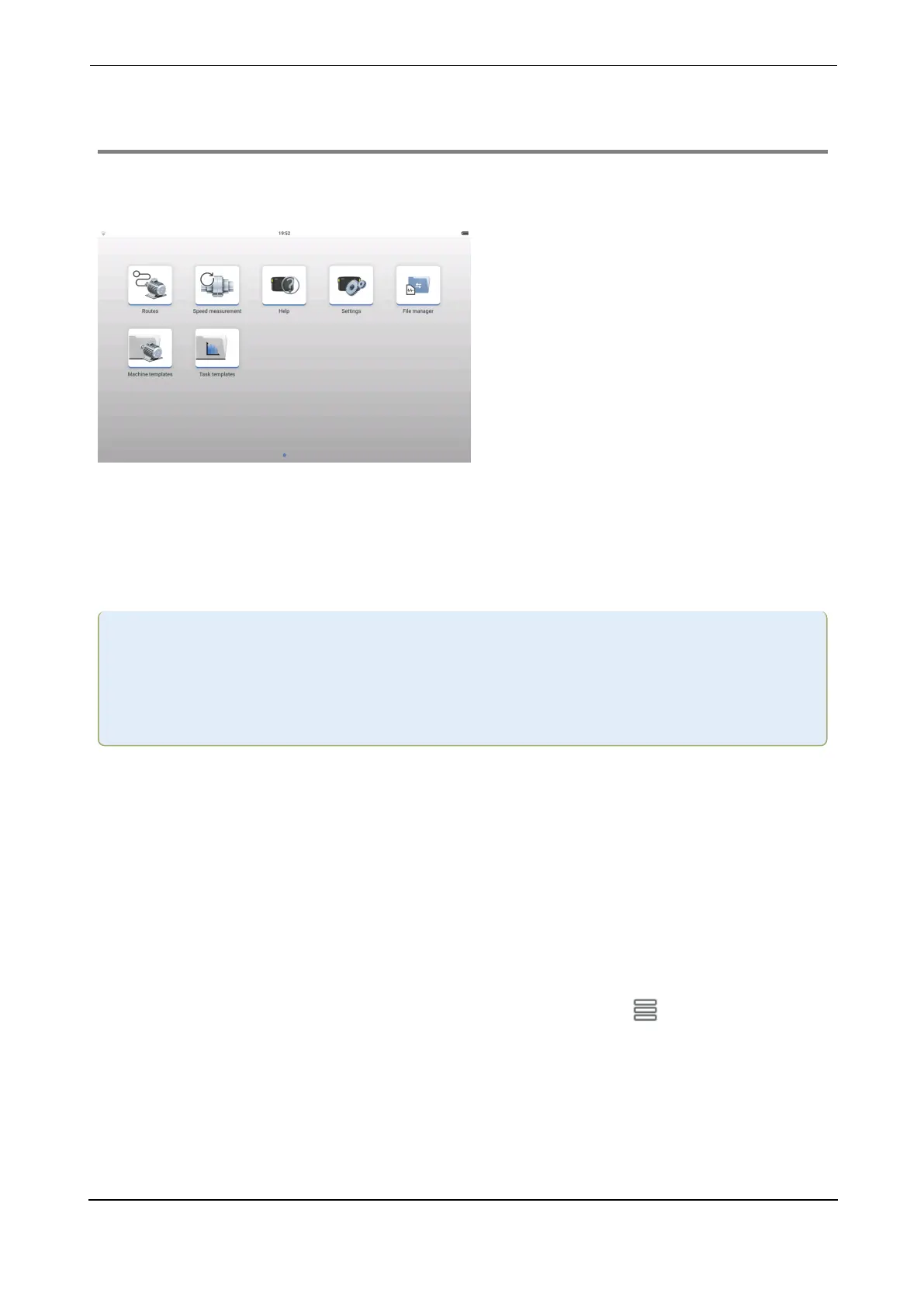
The home screen which shows when the device is turned on contains short cut icons required
to operate VIBXPERT 3 . The shown icons depend on the registered application.
The home screen icons are used to quickly access the items shown .
In VIBXPERT 3 , the focus is on the full machine train and not individual measure locations.
Machine templates are used create full asset to be measured, and includes all machines on the
train, all measure locations, and measure tasks for the locations.
Note:In this help, the term measure locations is used to refer to the locations where
sensors are mounted when an asset is measured. In eMaint condition monitoring the
measure locations are referred to as test points and the terms are therefore inter-
changeable.
The spectra data is immediately available. Additional applications such as balancing, bump
test and coast down are started within the selected asset by means of an application switch. All
results related to an asset are saved within the asset, and can be saved in the file manager.
VIBXPERT 3 uses Routes to collect route data. A route is a compilation of assets and their
measure locations. The measure locations are assigned required measured tasks. A route is
arranged for maximum efficiency during data collection. Routes are created in eMaint con-
dition monitoring, a web-based software, then transferred to the device by cloud transfer.
To quickly determine machine speed,VIBXPERT 3 uses Speed measurement. This function
can also be accessed via the measurement screen hamburger menu ( ).
VIBXPERT 3 11
On-board help



 To Next Page