Label
Part
Function
Channel 1 Analog input — connection for triaxial sensor or
VIBCODE sensor
Micro USB
port
Communication interface to a PC
Charging
socket
Connection for charger
Stand Retractable stand to hold device in different pos-
itions
Note:When a triaxial sensor is connected, then the two analog input channels next to
the occupied channel cannot be used.
Notes on operation
Switch VIBXPERT 3 on
Press and hold down the ON/OFF button until the device peeps. The battery status LED lights
up green. After a short period, the home screen shows in the display, and the battery status
LED switches off.
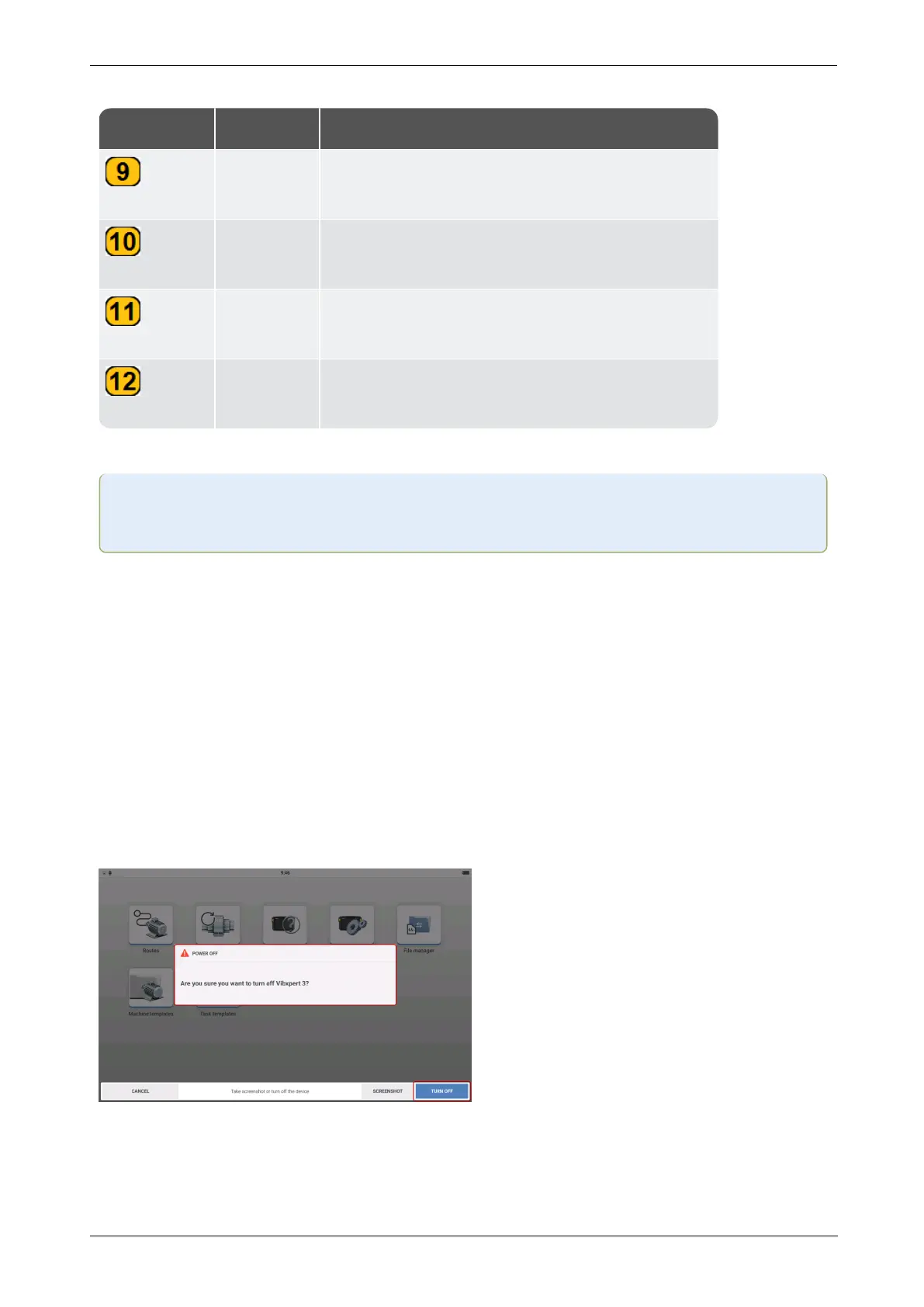
Switch VIBXPERT 3 off
Press and hold down the ON/OFF button briefly. A hint to switch the device off is shown. Tap
TURN OFF to confirm.
16 Version:1.0
On-board help



 To Next Page