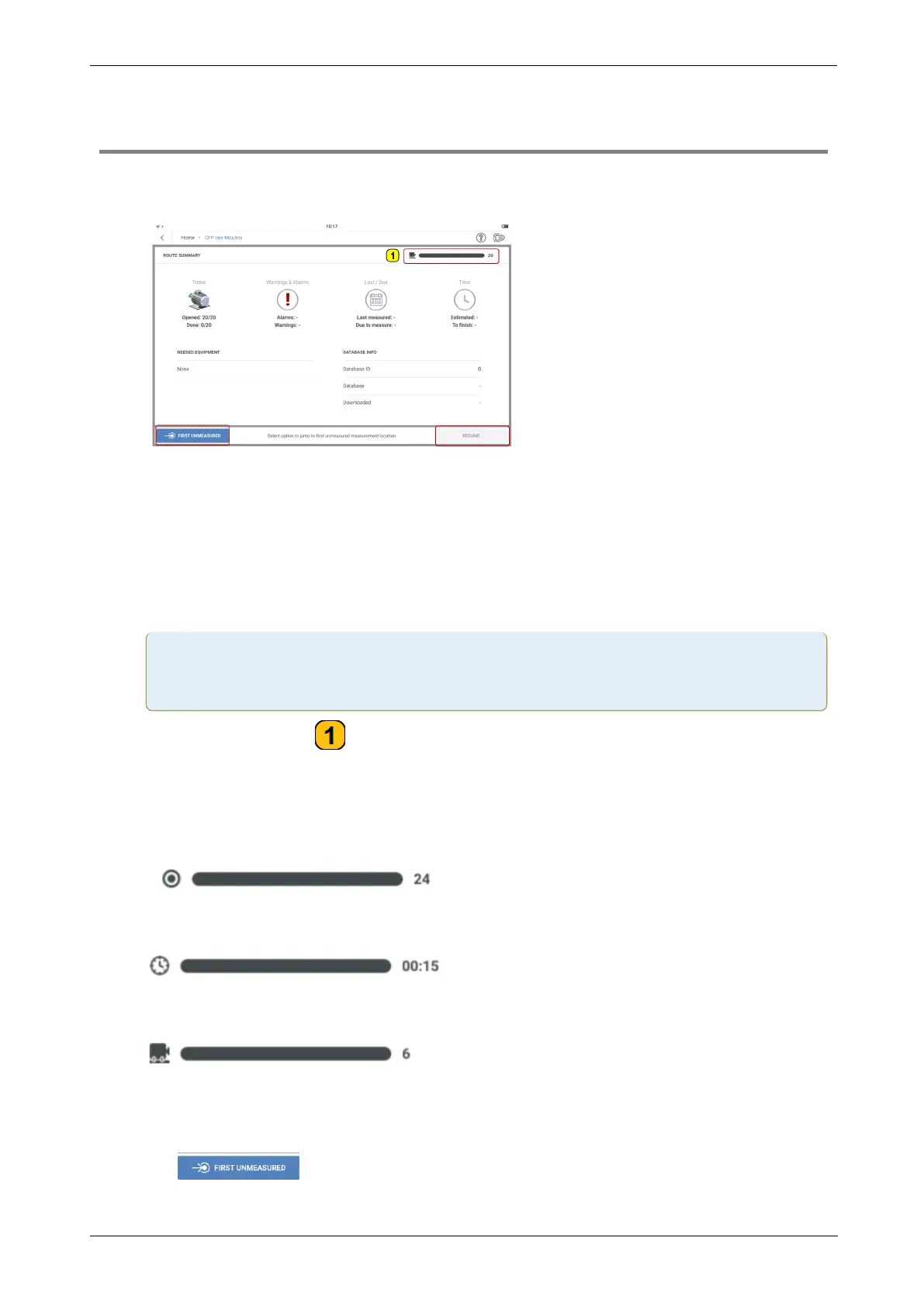
Route summary
l
This screen shows a summary of the information related to the selected route.
The information includes: Numbers of machines already measured and total to be meas-
ured; Alarms and warnings; Date of last measure and next scheduled measure
date; Estimated duration to measure route and estimated duration to complete measure
from current state; Sensor required to measure; Database ID and name; Date when
route was downloaded to device.
Note:The route summary screen is shown only when the menu item Show route
summary in the measurement settings is switched on .
Tap the progress bar ( ) to cycle through a summary of the route which includes:
total number of measure locations in the route; estimated time to measure the route;
number of machines scheduled to be measured.
l
Tap the progress bar to cycle through a summary of the route which includes:
total number of measure locations in the route;
estimated time to measure the route;
number of machines scheduled to be measured.
l
To measure route, do one of these:
Tap to start to measure at the first location, which has initially not been
78 Version:1.0
On-board help



 To Next Page