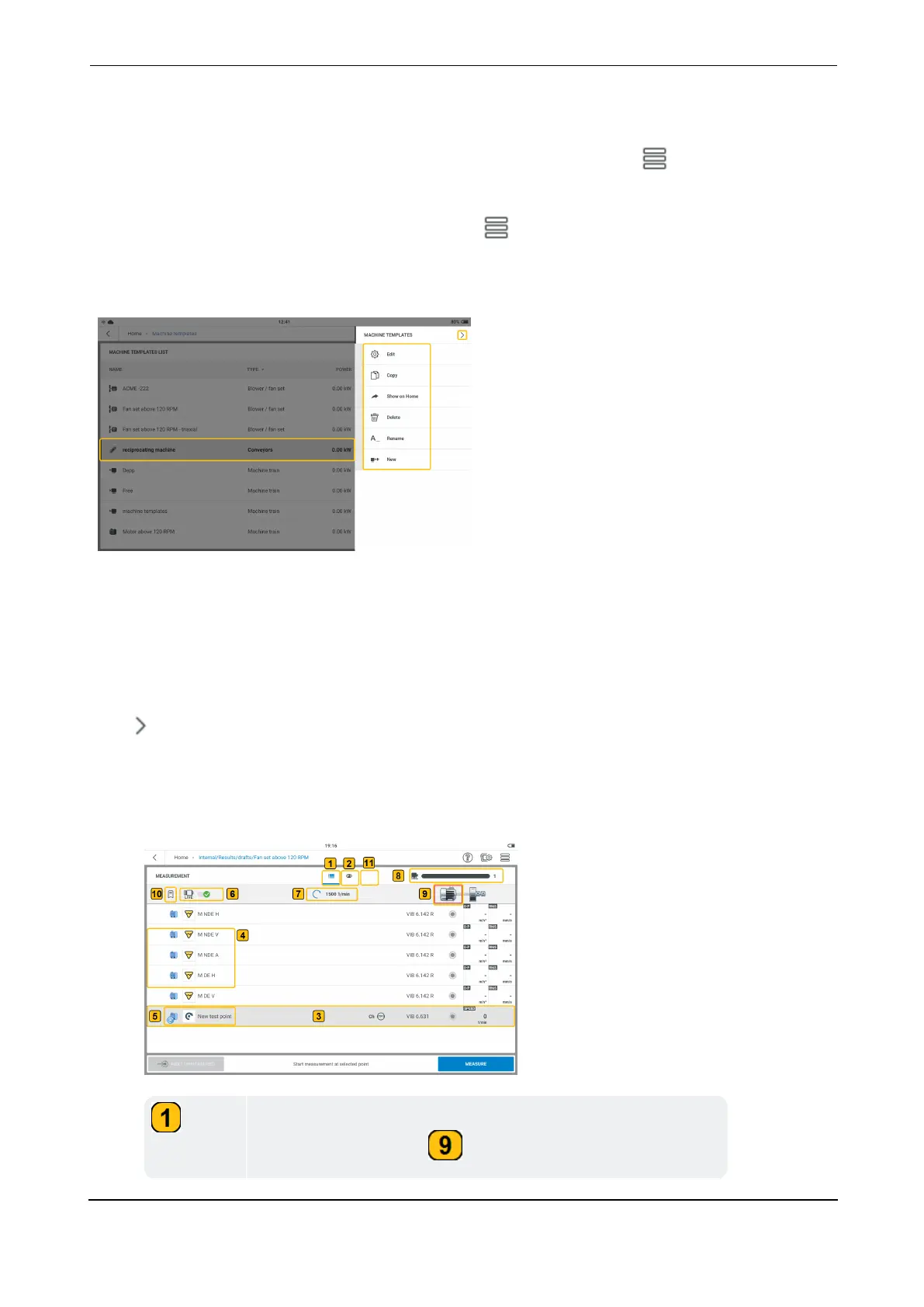
Machine template list menu items
If no machine template is highlighted, and then the hamburger menu ( ) is tapped, the con-
text menu shows only the menu item New.
Highlight a machine template on the list, then tap to see the menu items available for the
highlighted template. As an alternative, tap and hold the machine template to show the menu
items available for the highlighted template.
The context menu items are used to configure, create a copy, delete or rename the highlighted
machine template. A short cut for the highlighted machine template can also be created on the
home screen. If a short cut from the home screen already exists, then the menu item Show
on Home will not be shown.
The context menu item New is used to create a new template.
Tap to close the context menu.
Machine template — an overview
l
Tap desired template. The measurement screen of the template is shown.
The list view is the default view. The measure locations for
the selected machine ( ) are shown in a list.
VIBXPERT 3 37
On-board help



 To Next Page