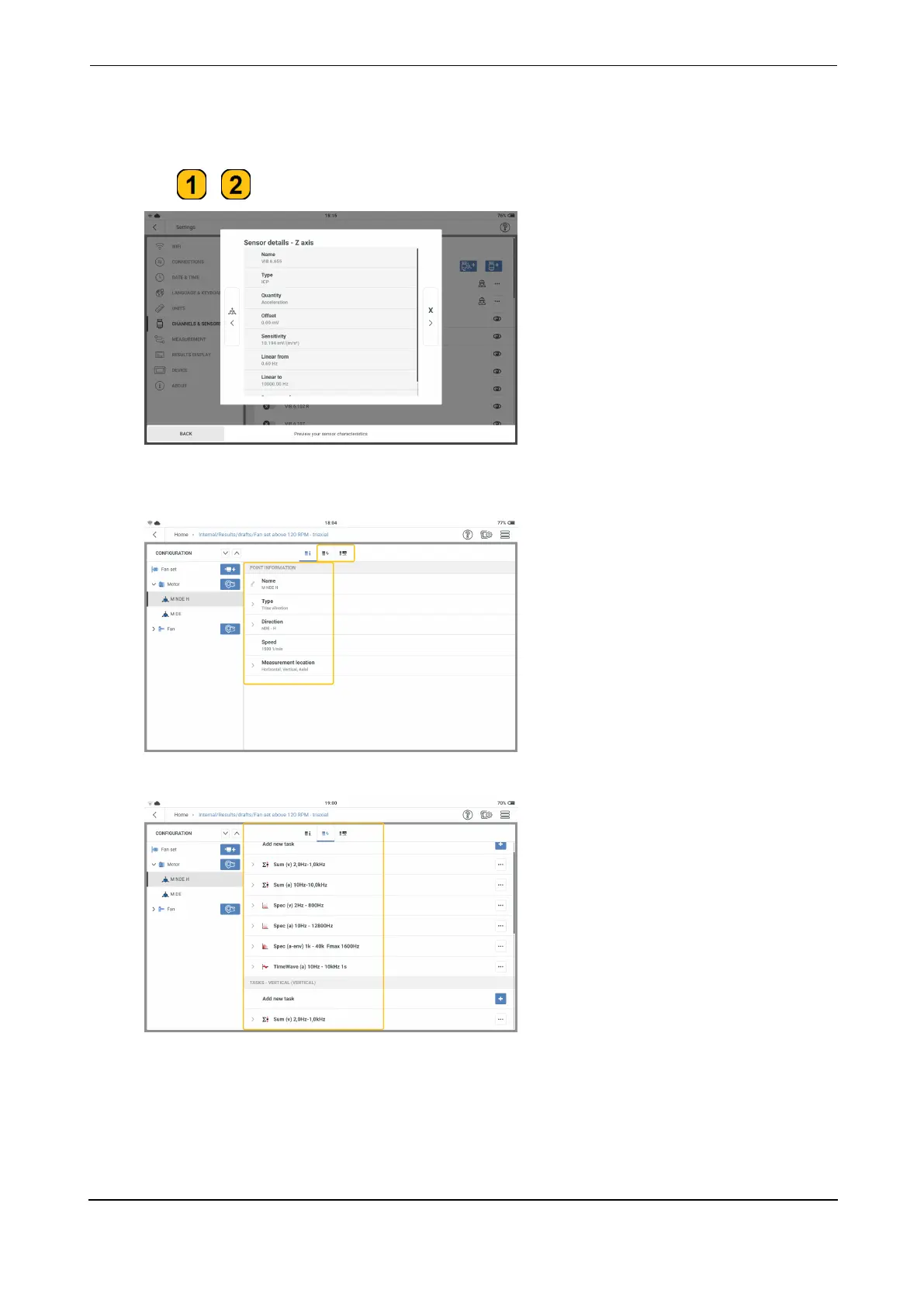
The direction of the sensor Z-axis shows the asset plane to be used in the configuration
screen.
l
Tap / to show the sensor X, Y and Z-axis parameters.
l
In the configuration screen edit measure location details. Select Triax vibration as type
of measure location.
l
Assign measure tasks and band tasks as necessary.
Measure
To measure a location, the triaxial sensor VIB 6.655 and the sensor cable for triaxial sensors
VIB 5.237 are required.
VIBXPERT 3 85
On-board help



 To Next Page