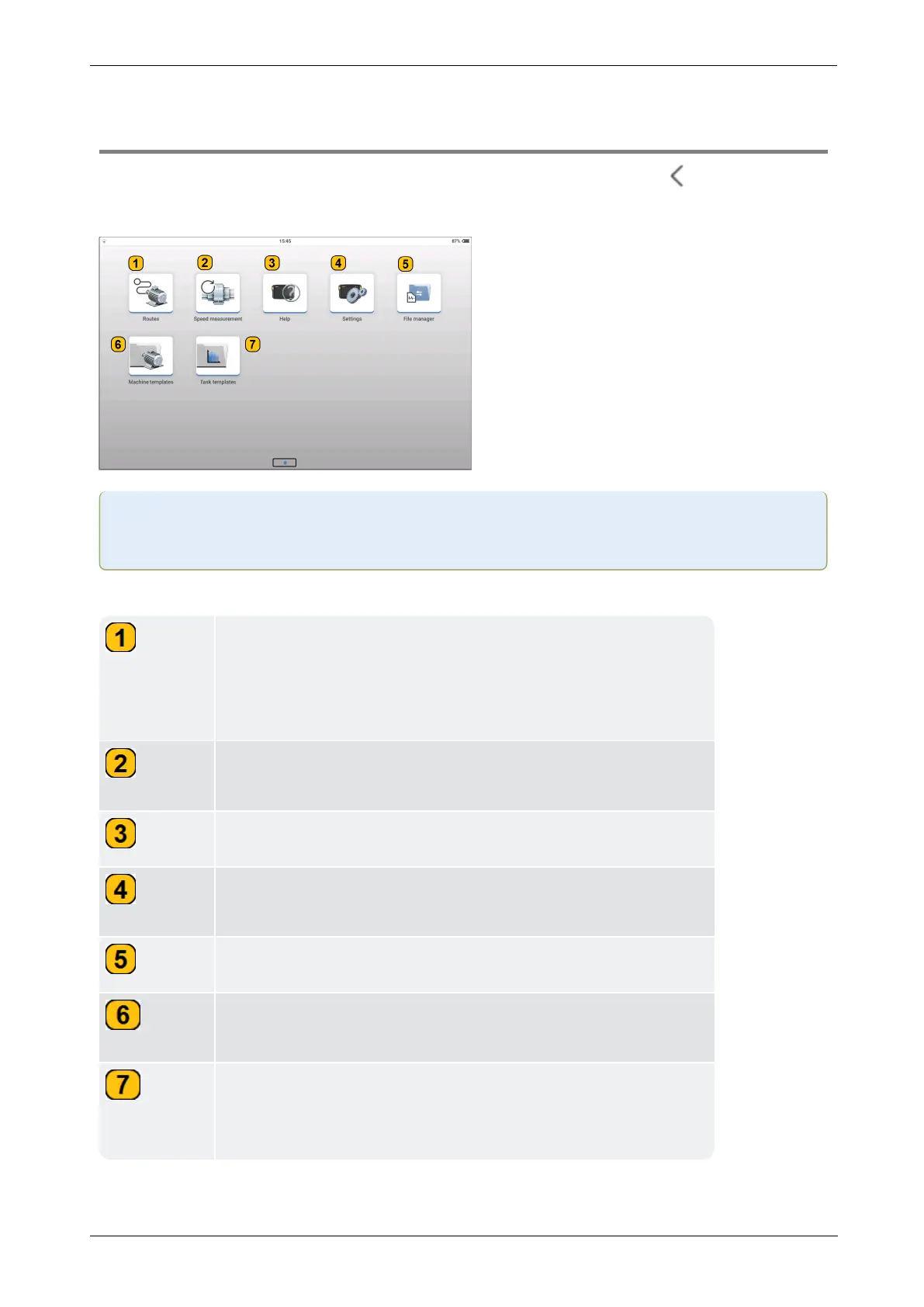
application.
Use Routes to update and measure the desired route. Route-
based measurements are configured in the cloud-based soft-
ware eMaint condition monitoring. Such measurements save
measurement time.
Use Speed measurement to determine machine speed
(RPM) or the alternating frequency.
Use Help to access the device on-board help.
Use Settings to apply desired device and measurement set-
tings.
Use File manager to administrate saved machine templates.
Use Machine templates to create machine hierarchy or when
measuring similar machines.
Use Task templates for predefined measurement data set.
This includes measurement quantity, type of sensor, and data
for the evaluation of results.



 To Next Page