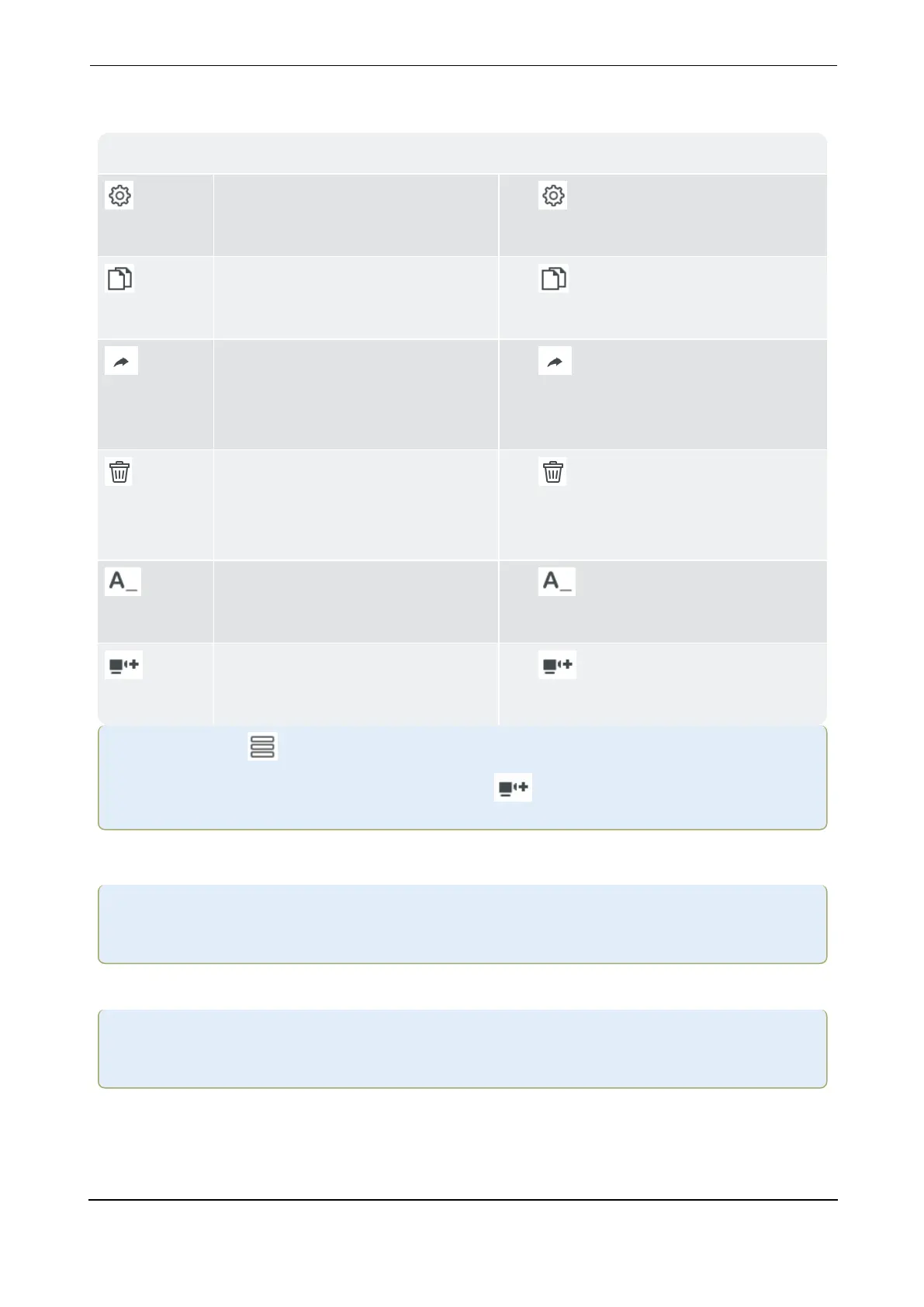
Menu items
Machine Templates list
Edit
Tap to open the configuration screen
where the asset can be edited.
Copy
Tap to duplicate the highlighted
machine template.
Show on Home
Tap to create a home screen short-
cut for the highlighted machine tem-
plate.
Delete
Tap to delete highlighted machine
template. You will be required to confirm
the deletion.
Rename
Tap to rename the highlighted
machine template.
New
Tap to create a new machine tem-
plate.
Note:If you tap the hamburger menu icon in the machine templates screen with no
template highlighted, only the menu item New ( ) will be shown.
Create asset
Note:To create an asset, use eMaint condition monitoring, or edit available templates,
or create a new template.
Start at machine train which is the highest level of the hierarchy.
Note:Lower levels include machine and measure location. The different levels show dif-
ferent information.
VIBXPERT 3 47
On-board help



 To Next Page