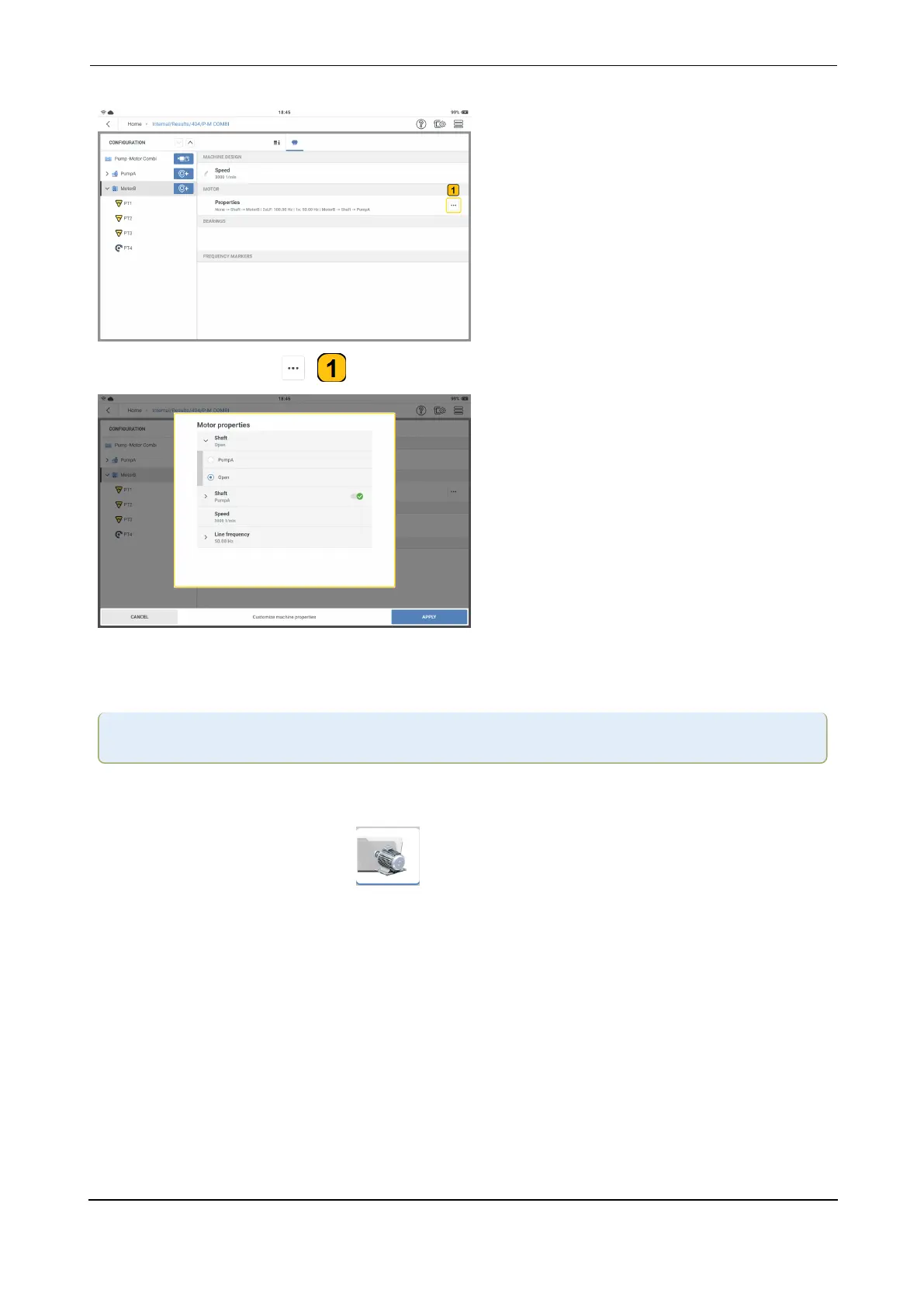
Tap the meatball menu ( ) to complete the scheme for the selected machine.
Set the properties as necessary. The shaft that connects two machines must be identified. If
the shaft does not connect to a machine, it is left as Open. Select the correct line frequency.
Note:Different machine types will have different properties.
Configure belt driven machine train
l
From the home screen, tap the machine template icon. The machine templates
list opens.
VIBXPERT 3 55
On-board help



 To Next Page