l
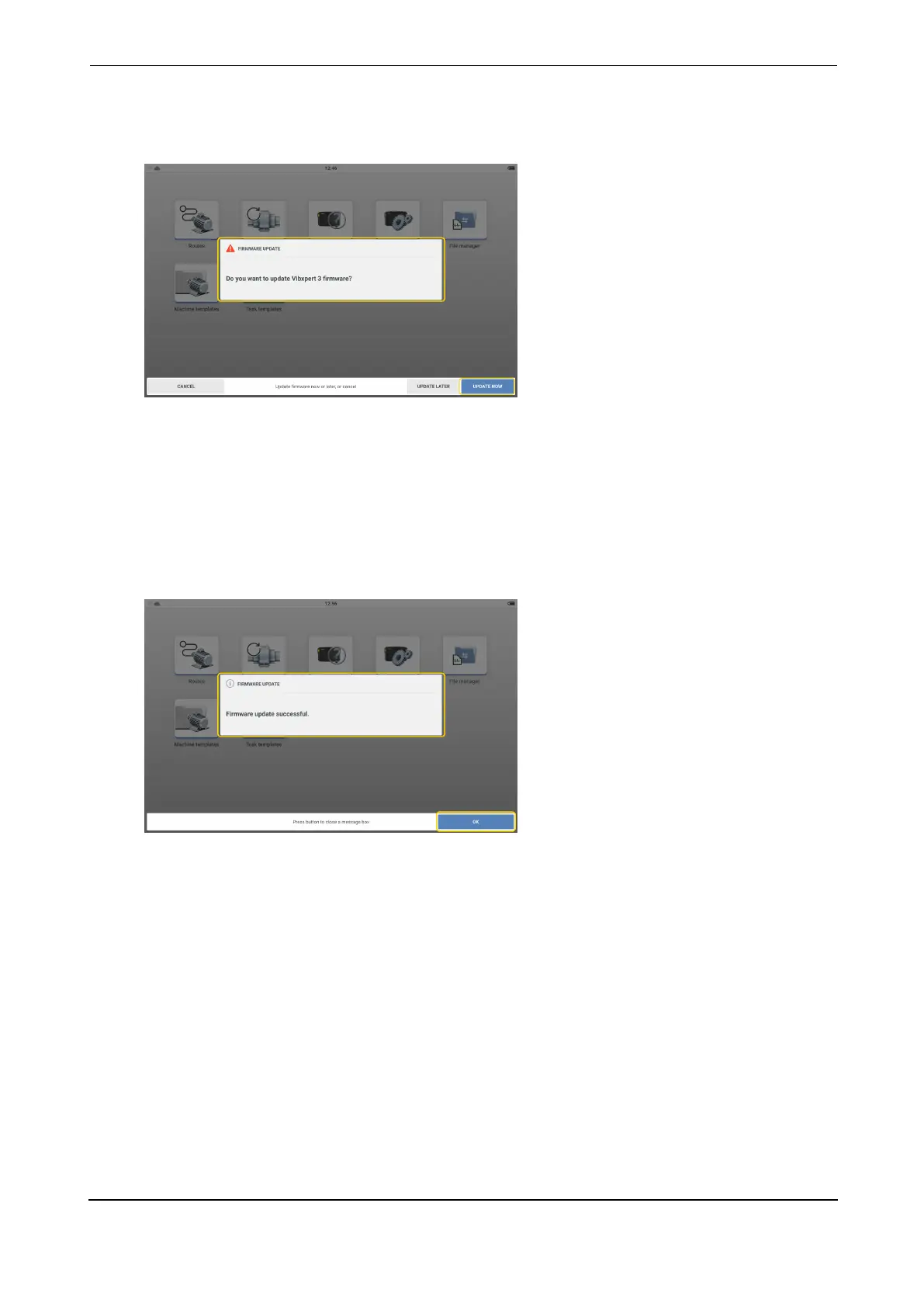
After the update file has been copied in to the Update folder, disconnect VXP from the
PC. This hint is shown.
l
Tap UPDATE NOW to proceed with the firmware update.
Note: An option to update the firmware at a later stage is available. If this option is
selected, update hint is shown when VIBXPERT 3 is switched on.
l
During update, a progress bar is shown on the screen. This hint is also shown: Update
in progress. Do not turn off the device.
l
Once the update is completed, this hint is shown.
l
Tap OK to close process.
VIBXPERT 3 29
On-board help



 To Next Page