l
Tap the start screen Routes icon.
l
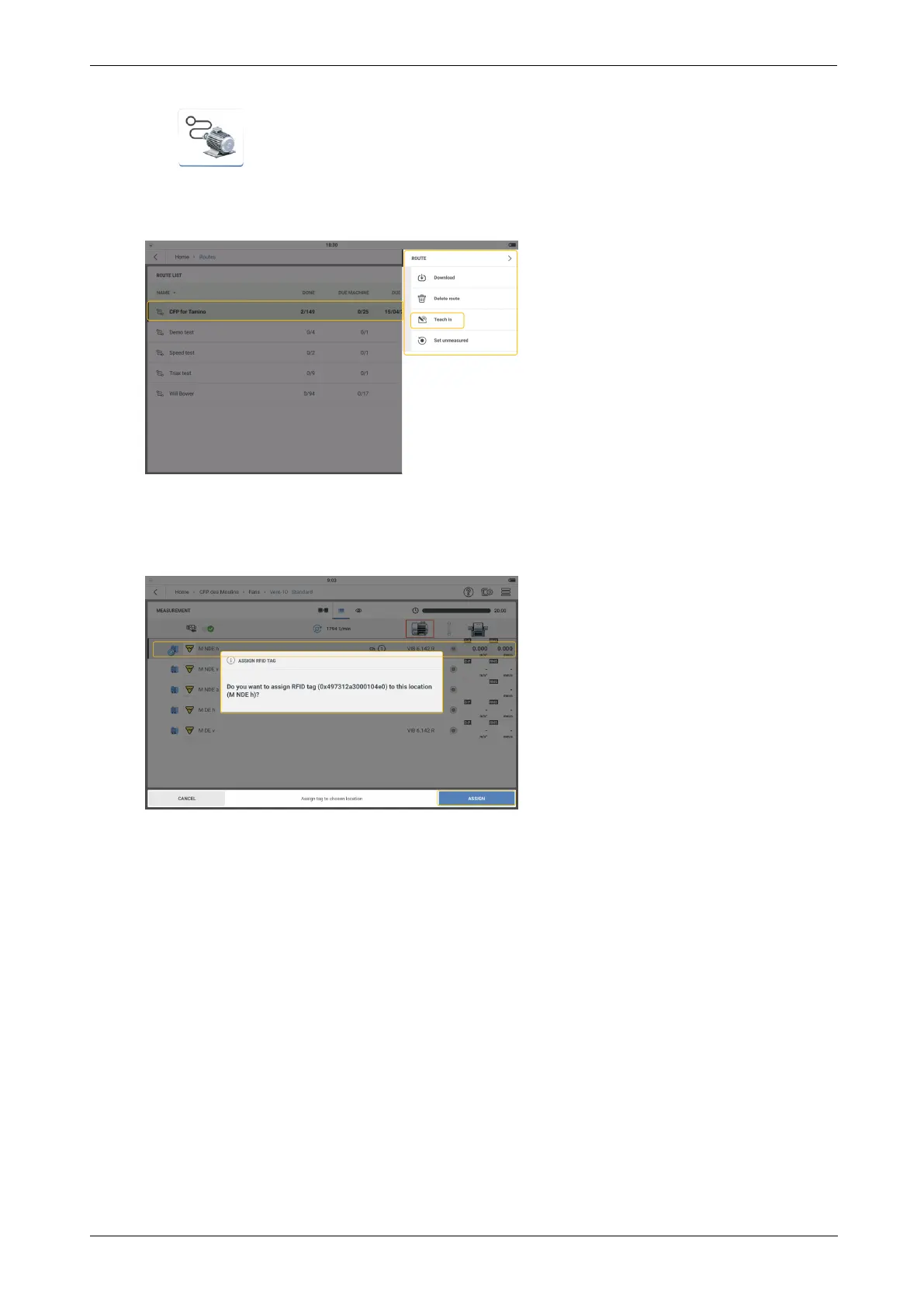
From the list that is shown, tap and hold the necessary route. The Route List context
menu is shown. Tap Teach in.
l
Open route then navigate to the measure location to be assigned the tag. Select the loc-
ation then place the tag as close as possible to the device reader module. A hint to
assign the RFID tag is shown.
l
Tap REASSIGN to complete.
l
The changed RFID tag can now be physically connected to the new asset measure loc-
ation.
32 Version:1.0
On-board help



 To Next Page