l
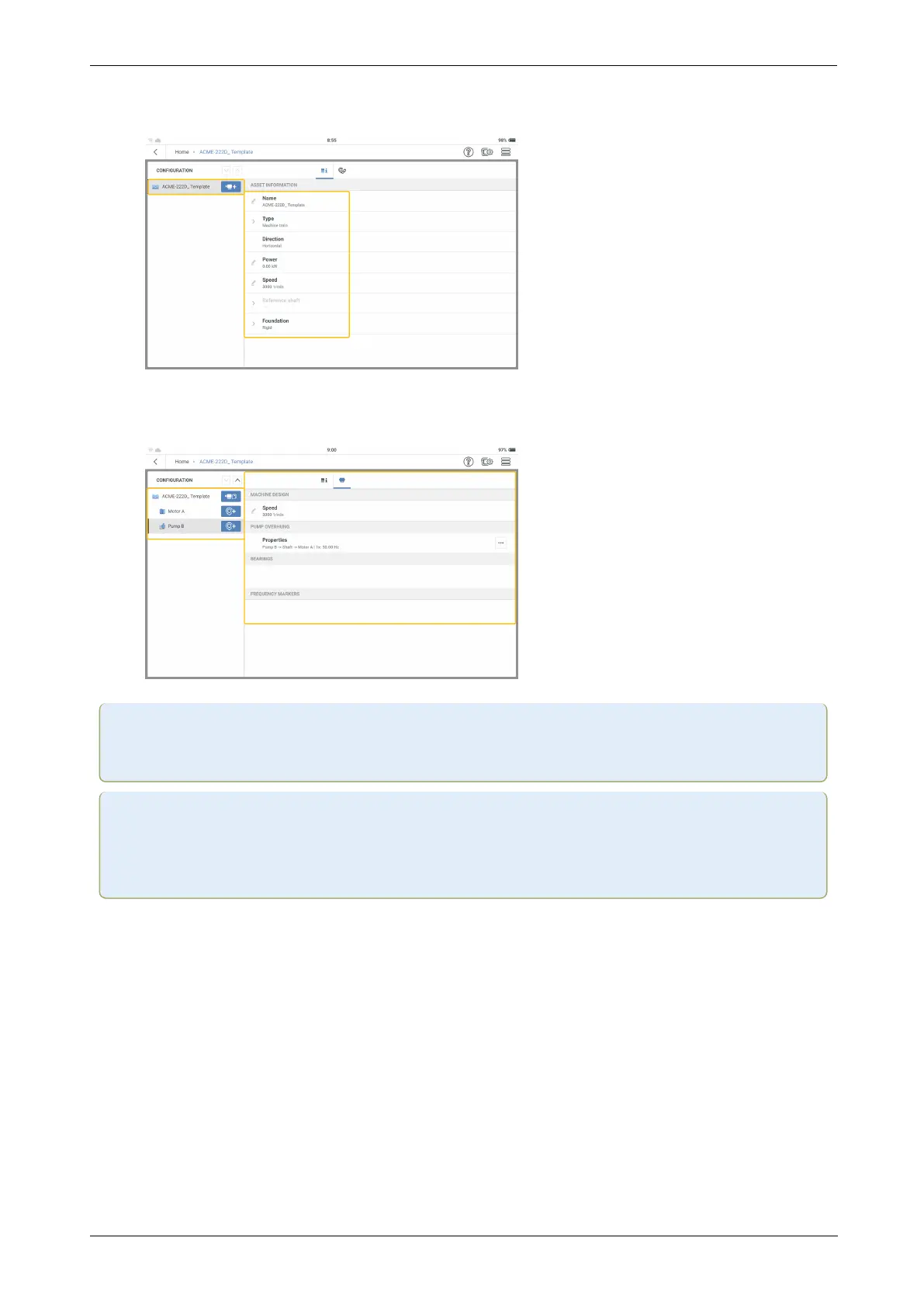
In the configuration screen, edit the asset as necessary. Start at the machine train level.
Edit asset details as necessary.
l
Add machines and measure locations as necessary .
Note:Icons shown on the home screen are different, and depend on the registered
application.
Note:
Related measure tasks must be added for each measure location.
The kinematic model must be valid.
40 Version:1.0
On-board help



 To Next Page