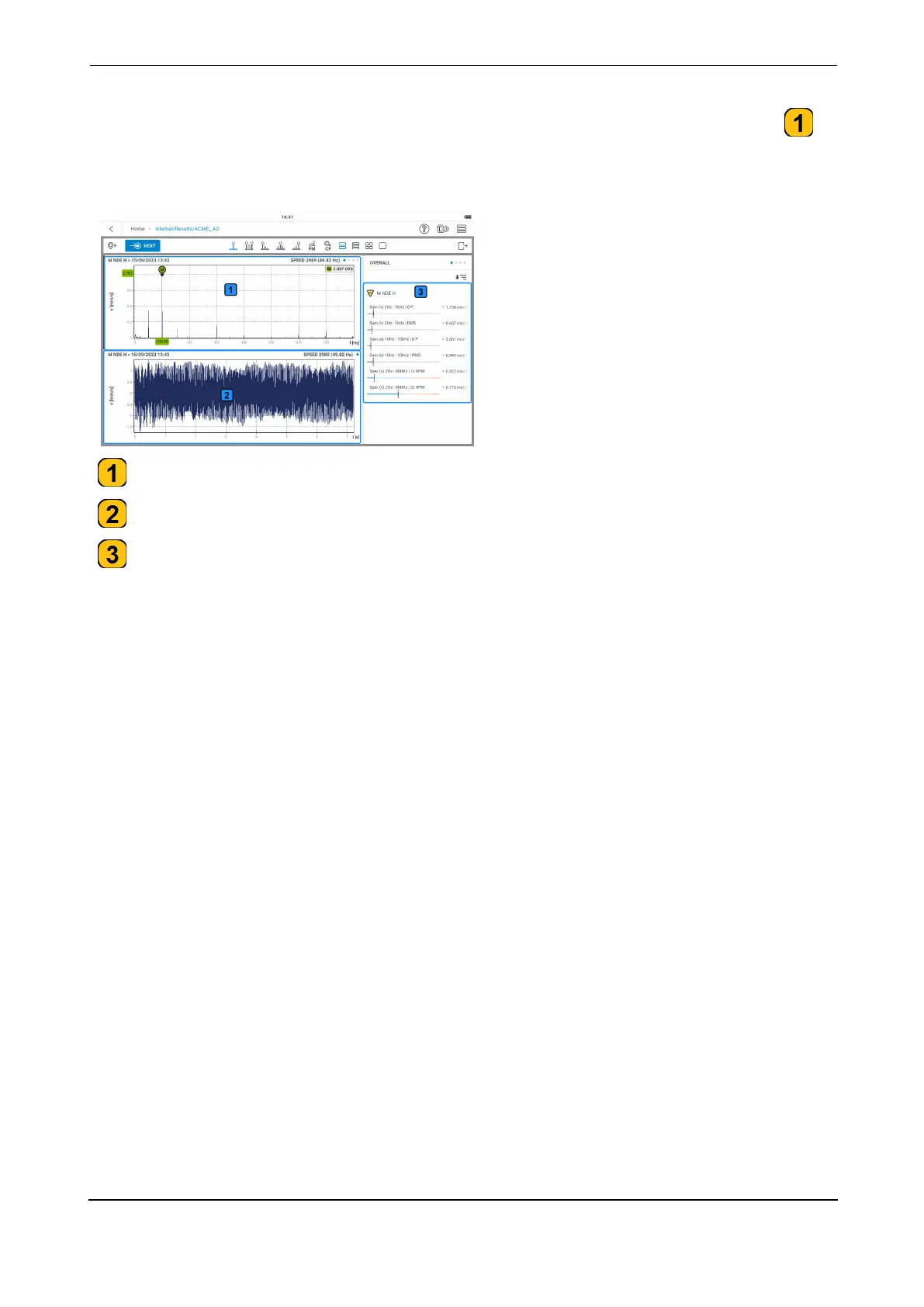
To see details of any of the applied measure tasks, tap the related task drop down menu ( ).
In this example the applied measure tasks for the location are: overall velocity; overall accel-
eration; velocity spectrum; acceleration spectrum; time waveform (acceleration)
- the graph shows the velocity spectrum
- the graph shows the time waveform signal related to the velocity spectrum
- the frame shows overall values. The displayed overall values are based on the selected
measure tasks.
VIBXPERT 3 95
On-board help



 To Next Page