- 44 -
MULTIMEDIA
3
Audio Unit (Model-1)
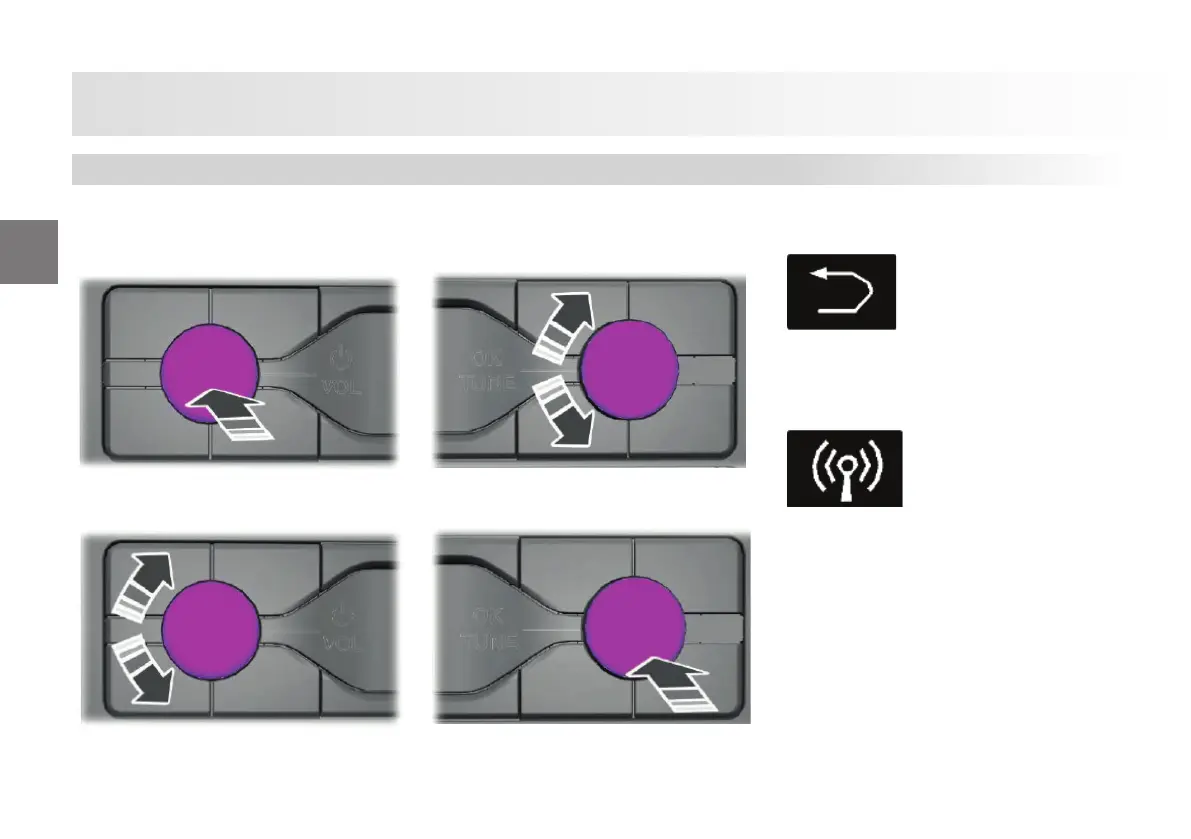
Turning the audio unit on and o .
Setting Volume
Navigating in the Menu Options
Selecting a Menu Option
Returning to Previous Screen
Press the button to return to the previous
menu.
Selecting Radio
Press the button to select radio mode.
Press the button again to display available
radio sources.
Press the button continuously or rotate
the right-hand knob menu to switch
between available radio sources.
Apps like Siri or Svoice on the phones shall
be launched when you press the push-
to-talk button on the steering wheel a er
connecting the phone and the radio with a
USB cable.
Audio Unit









 To Next Page