- 47 -
MULTIMEDIA
3
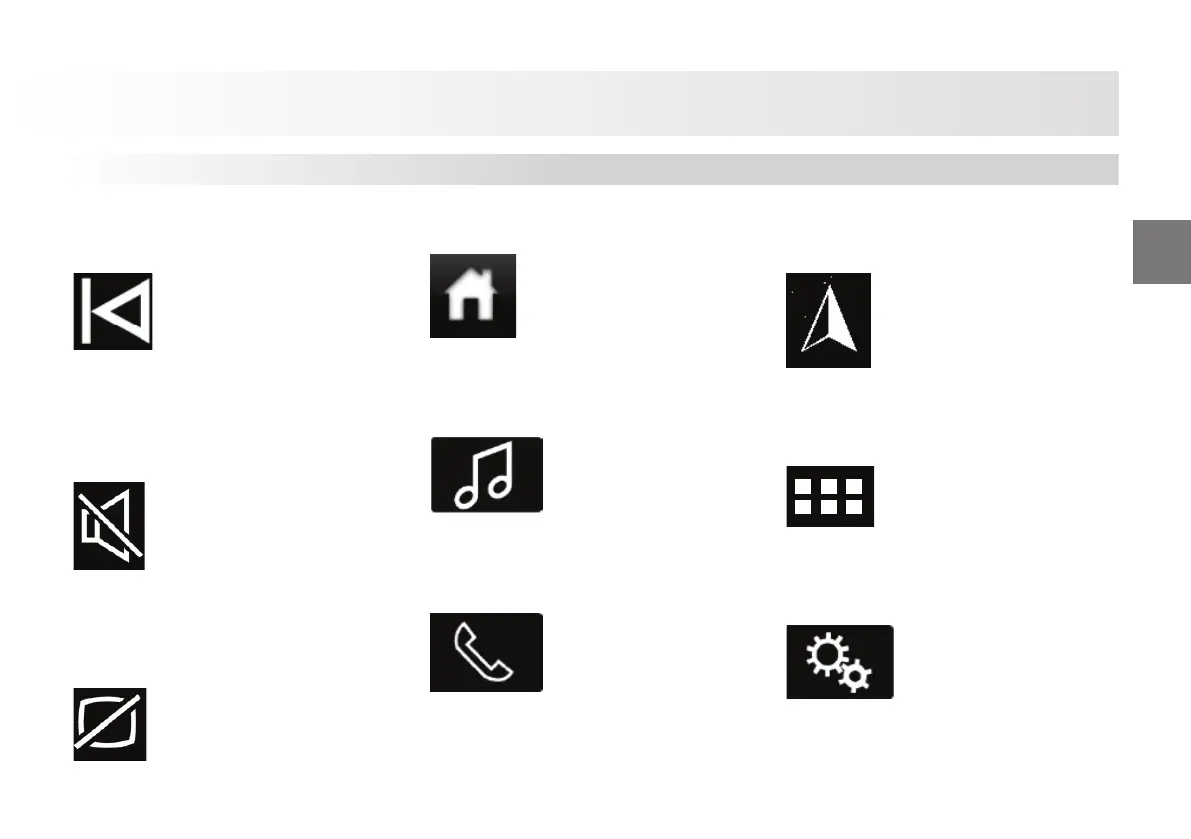
Backward Scan and Previous Track
Button
Press the button to select the previous
indexed frequency (in radio mode) or the
previous track (in USB or BT mode).
Mute Button
Press the button to mute the source. Press
the button again to turn the volume of the
source on.
Screen On/O Button
Press this button to turn the screen on or
o .
Main Page (So ware Button)
Press this button to switch to the main
page screen.
Audio System Menu (So ware Button)
Press the button to select audio system
mode.
Using Mobile Phone (So ware Button)
You may make a call using the last calls
list or from the persons list or dial a
number.
NAVIGATION SYSTEM (So ware
Button)
Press the button to open the Navigation
system application.
Mobile Applications (So ware Button)
Press the button to access Weblink and
Carplay applications manually.
System Settings (So ware Button)
Press the button to adjust the volume
settings, radio settings, screen settings
and to access the camera and mobile
applications.
Audio Unit













 To Next Page