34 Chapter 2 Working with DaqLab
b. The first column should be the time. The time interval between successive rows
must match the time intervals accepted by DaqLab. You can export DaqLab files
to Excel to learn about these time formats.
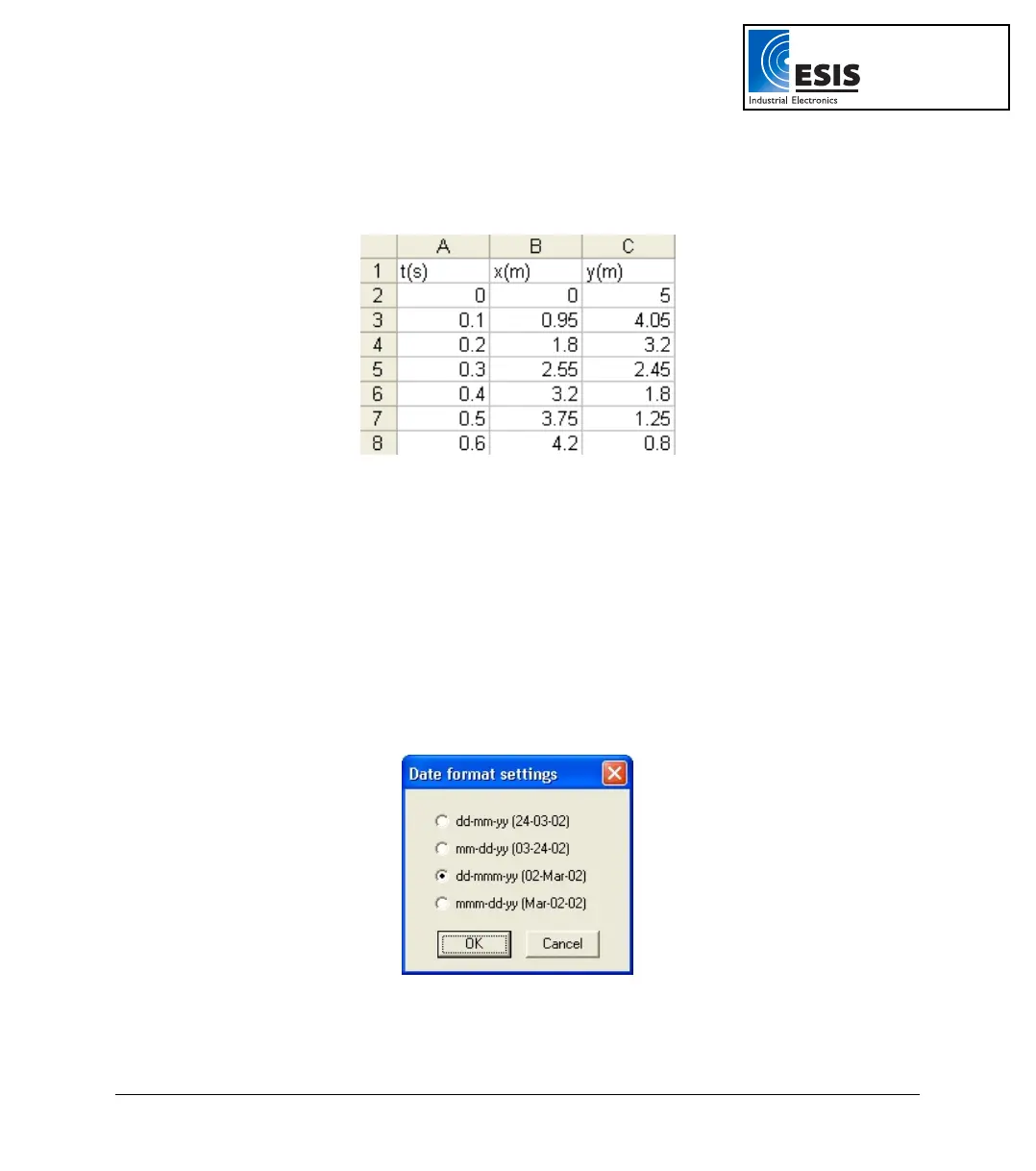
For example, refer to the table below:
2. On the File menu, click Save As.
3. In the File name dialog box, type a name for the workbook.
4. In the Save as type list, click the CSV format.
5. Click Save.
To import files that were previously exported from DaqLab, open DaqLab and import the file as
described above (as they are already in CSV format).
2.3.8. Date Format Settings
To set the way data will be displayed on screen, click Date format settings to open the Date format
settings dialog:
Figure 8: Date format settings dialog box
Click the desired option, then click OK.
www.esis.com.au
Ph 02 9481 7420
Fax 02 9481 7267
esis.enq@esis.com.au



 To Next Page