Chapter 1 DaqPRO 11
1.2.2. Quick-Start
Before you first use DaqPRO, charge the unit for 10 to 12 hours while it is turned off.
1. Turn on DaqPRO
Press the On button. You will see the initialization screen. DaqPRO performs a brief self-check and
displays its status, including operating mode. It then loads the last setup you used (refer to page
20). If
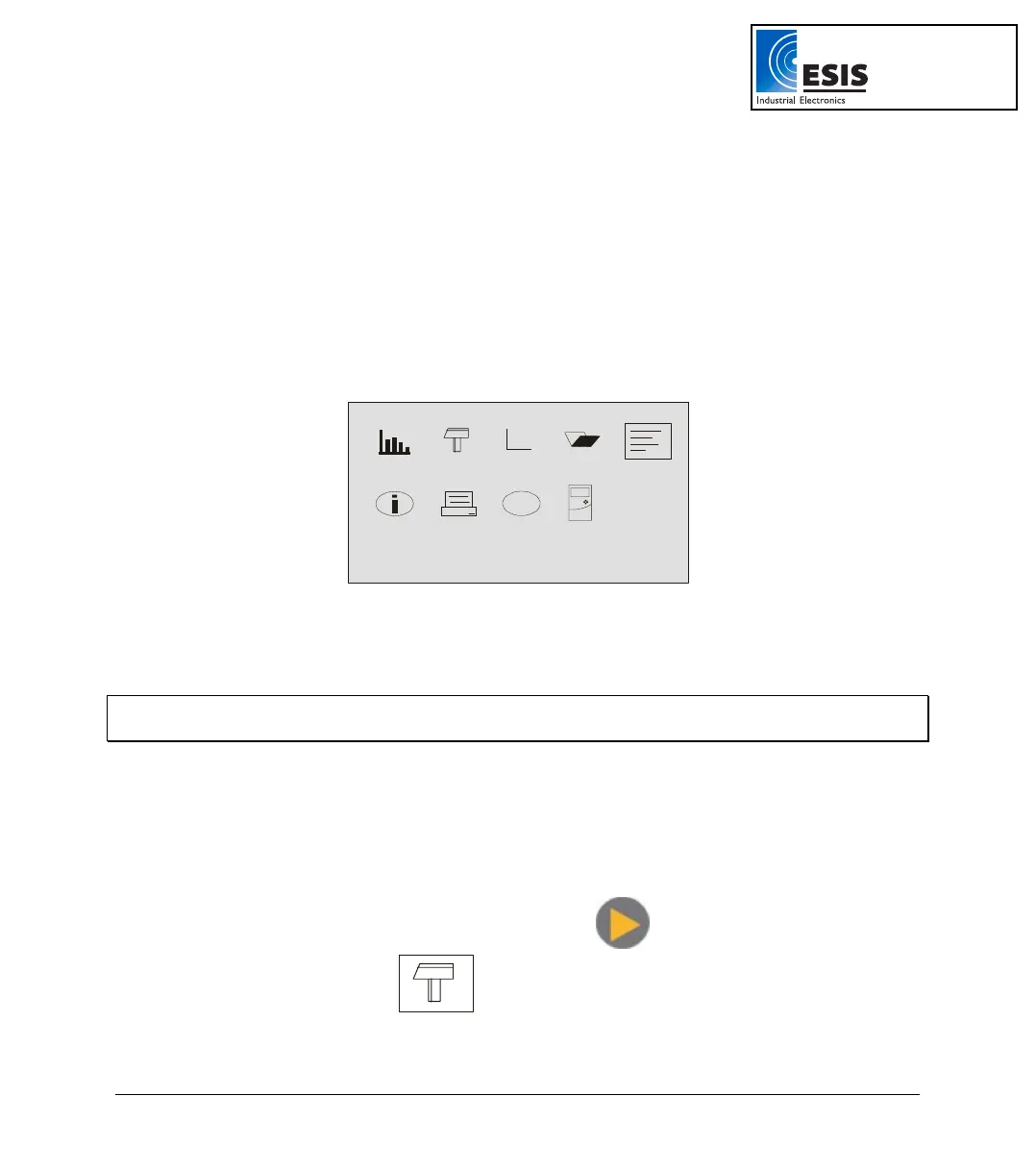
you need a new setup wait until you see the Main Menu screen:
fn
?
2. Connect the Sensors
Start with the first input on the right.
Note: Sensors must be added successively, starting with input 1. If a single sensor is used it must be
connected to Input 1. If two sensors are used, they must be connected to Input 1 and Input 2.
Refer to Sensors Types and Connections on page
5 for more details.
3. Identify the Sensors
You must tell DaqPRO what type of sensor is connected to each input.
a. In the Main Menu screen, use the Forward
arrow buttons to select the
setup menu icon
.
www.esis.com.au
Ph 02 9481 7420
Fax 02 9481 7267
esis.enq@esis.com.au



 To Next Page