80 Chapter 2 Working with DaqLab
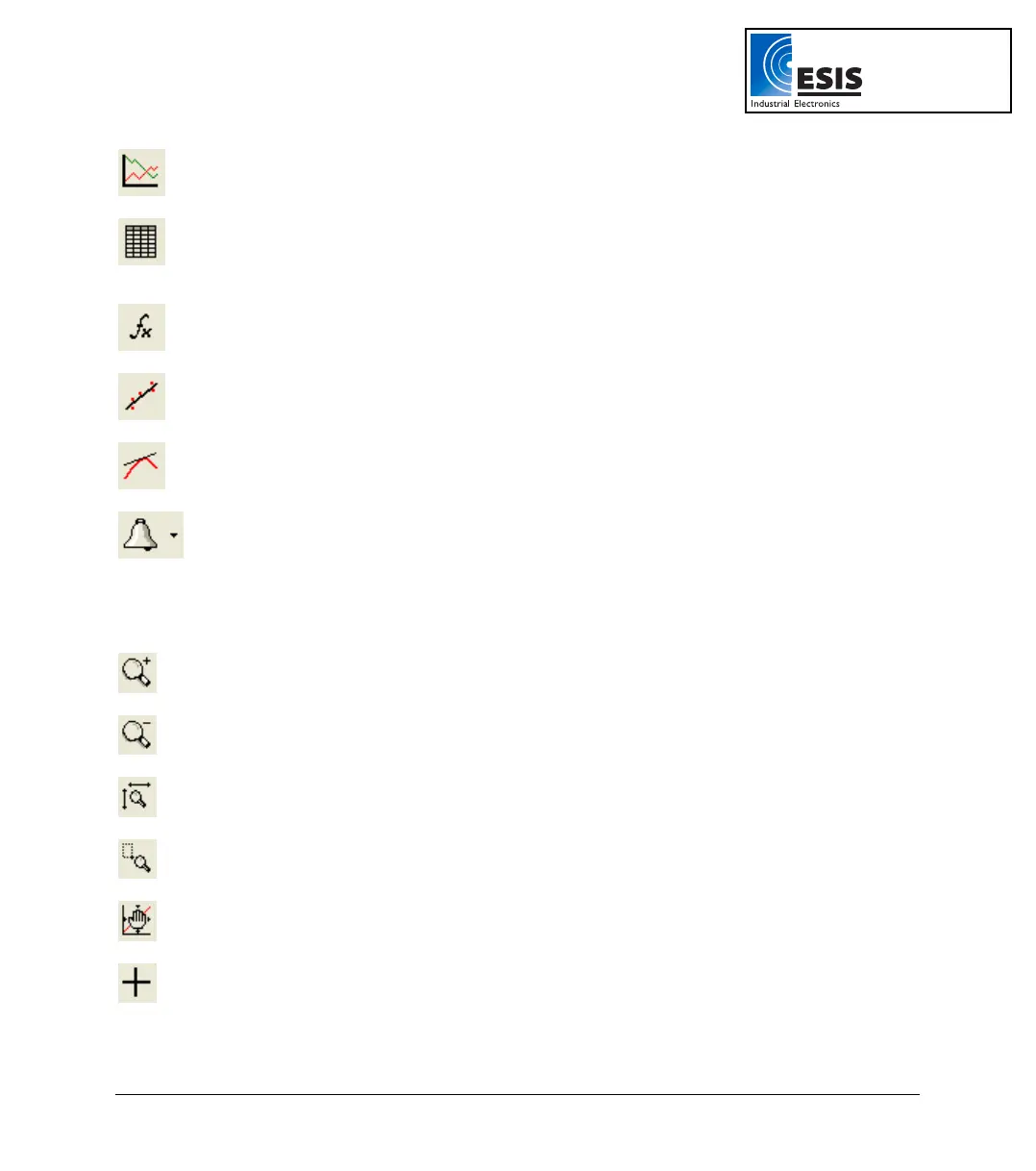
Graph
Display the graph window
Table
Display the table window
Analysis
Open the Analysis wizard
Linear Fit
Draw a line of linear fit of the selected data set
Derivative
Draw a line of the derivative of the selected curve
Display Alarm
Displays or removes alarm levels from the graph
2.8.2. Graph Toolbar
Zoom In
Zoom in around a selected point or in to a selected range
Zoom Out
Reverse the most recent zoom operation
Autoscale
Display all the data
Zoom to Selection
Zoom in to a selected area
Pan
Pan in all directions while in zoom mode
More Smoothing
Smooth (average) the selected curve
www.esis.com.au
Ph 02 9481 7420
Fax 02 9481 7267
esis.enq@esis.com.au



 To Next Page