Chapter 2 Working with DaqLab 81
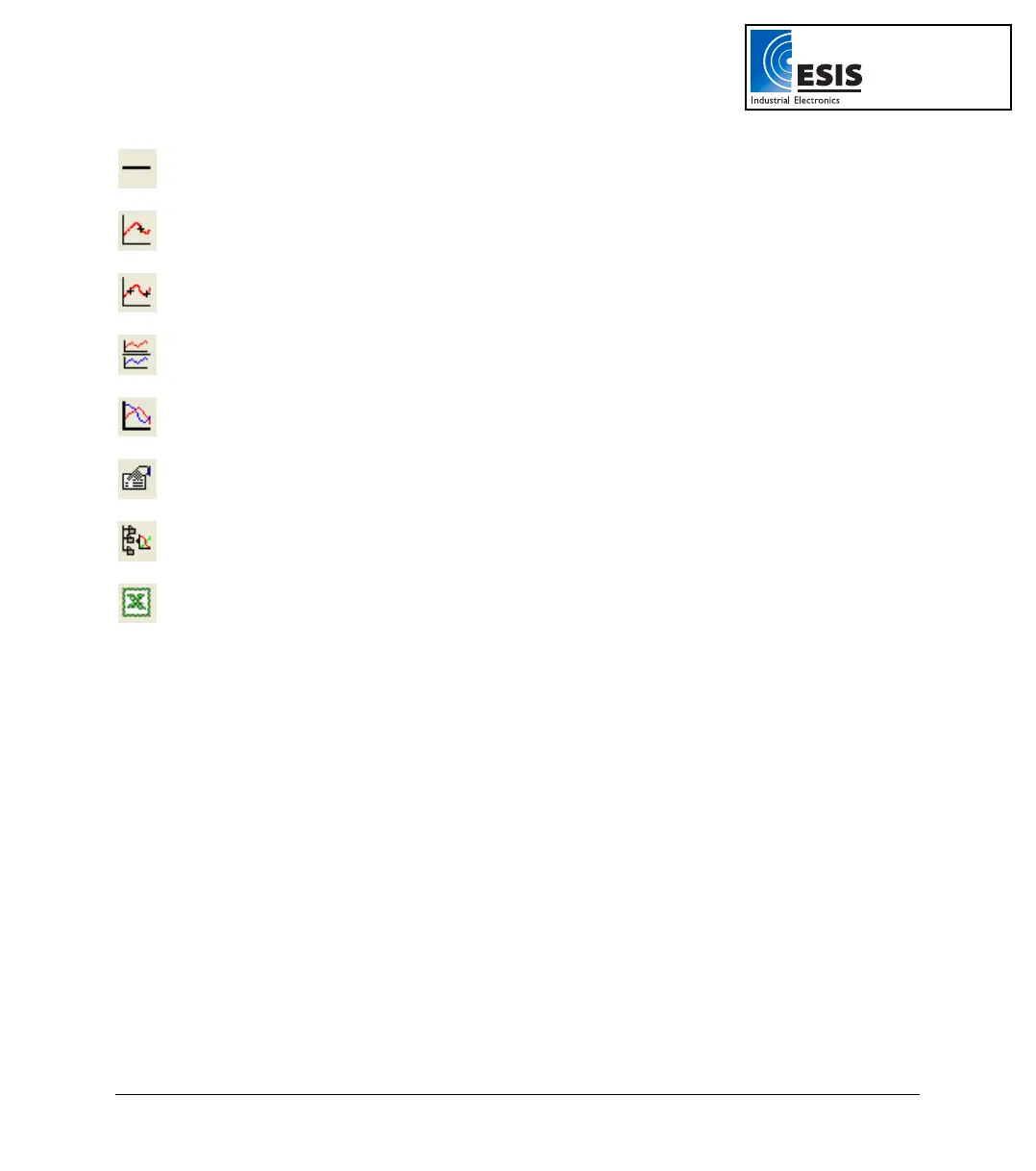
Less Smoothing
Reverse the most recent smoothing operation
1
st
Cursor
Display or remove the first cursor
2
nd
Cursor
Display or remove the second cursor
Split Graph
Switch to a split graph display
Edit Graph
Select the data to display on the axes
Graph Properties
Graph formatting, scaling and units selection
Add to Project
Add the displayed graph to the project
Export to Excel
Export the displayed graph to Excel
www.esis.com.au
Ph 02 9481 7420
Fax 02 9481 7267
esis.enq@esis.com.au



 To Next Page