Chapter 1 DaqPRO 15
1.2.3. Working with the DaqPRO Menus
1. Turning DaqPRO On and Off
On
Turn DaqPRO on
Off
Turn DaqPRO off
Note: Pressing OFF will not erase the sample memory. The data stored in the memory will be kept for
up to 5 years.
2. Main Menu Display
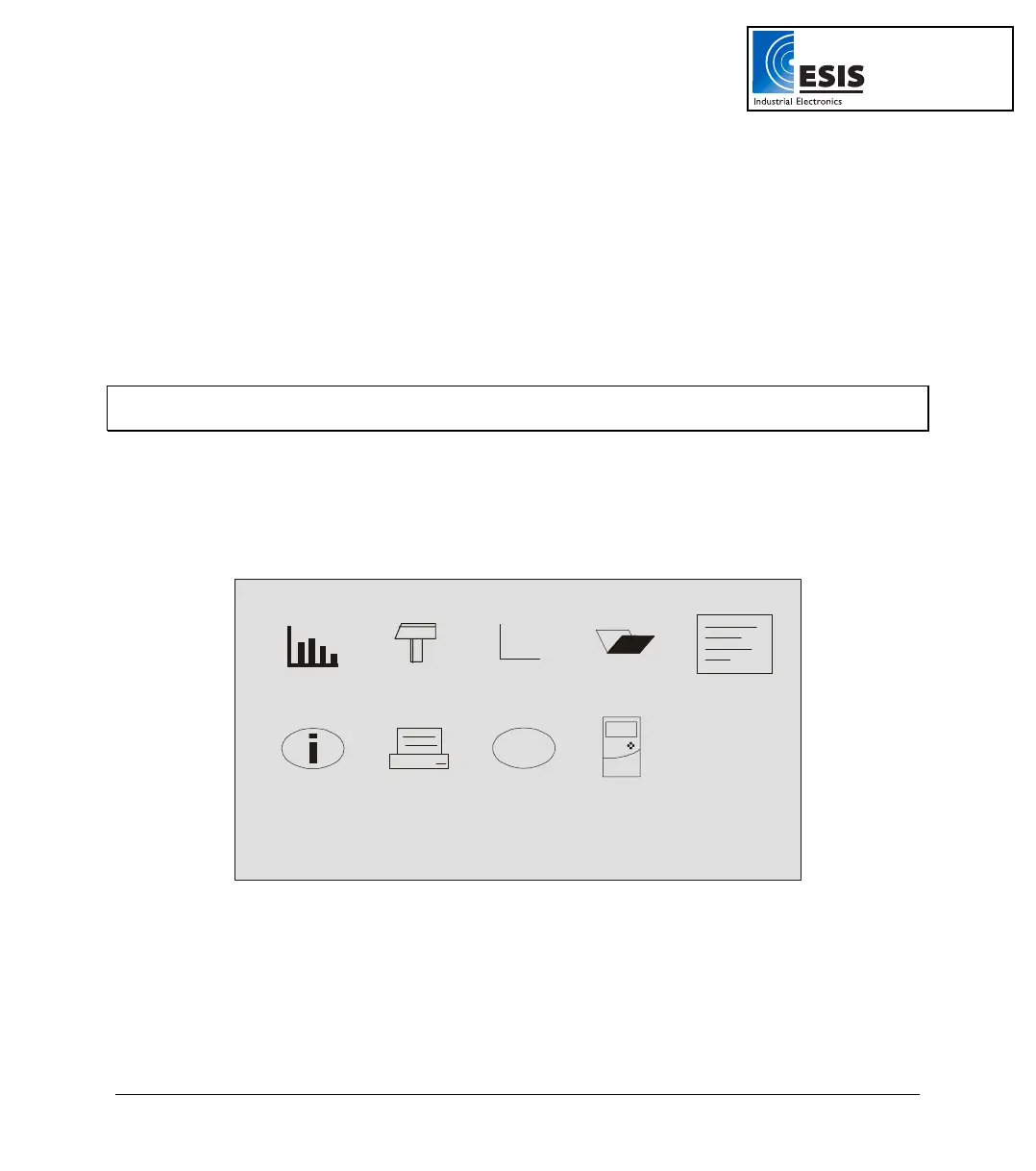
When turned on, DaqPRO opens with a system information window and then displays the main menu:
fn
?
DaqPRO has 9 menus. Use the Forward or Backward Arrow buttons to highlight a menu and press the
Enter button to select it. Then use the Arrow buttons to scan the options. Press the Enter button to
select an option. The DaqPRO automatically executes the command.
www.esis.com.au
Ph 02 9481 7420
Fax 02 9481 7267
esis.enq@esis.com.au



 To Next Page