48 Chapter 2 Working with DaqLab
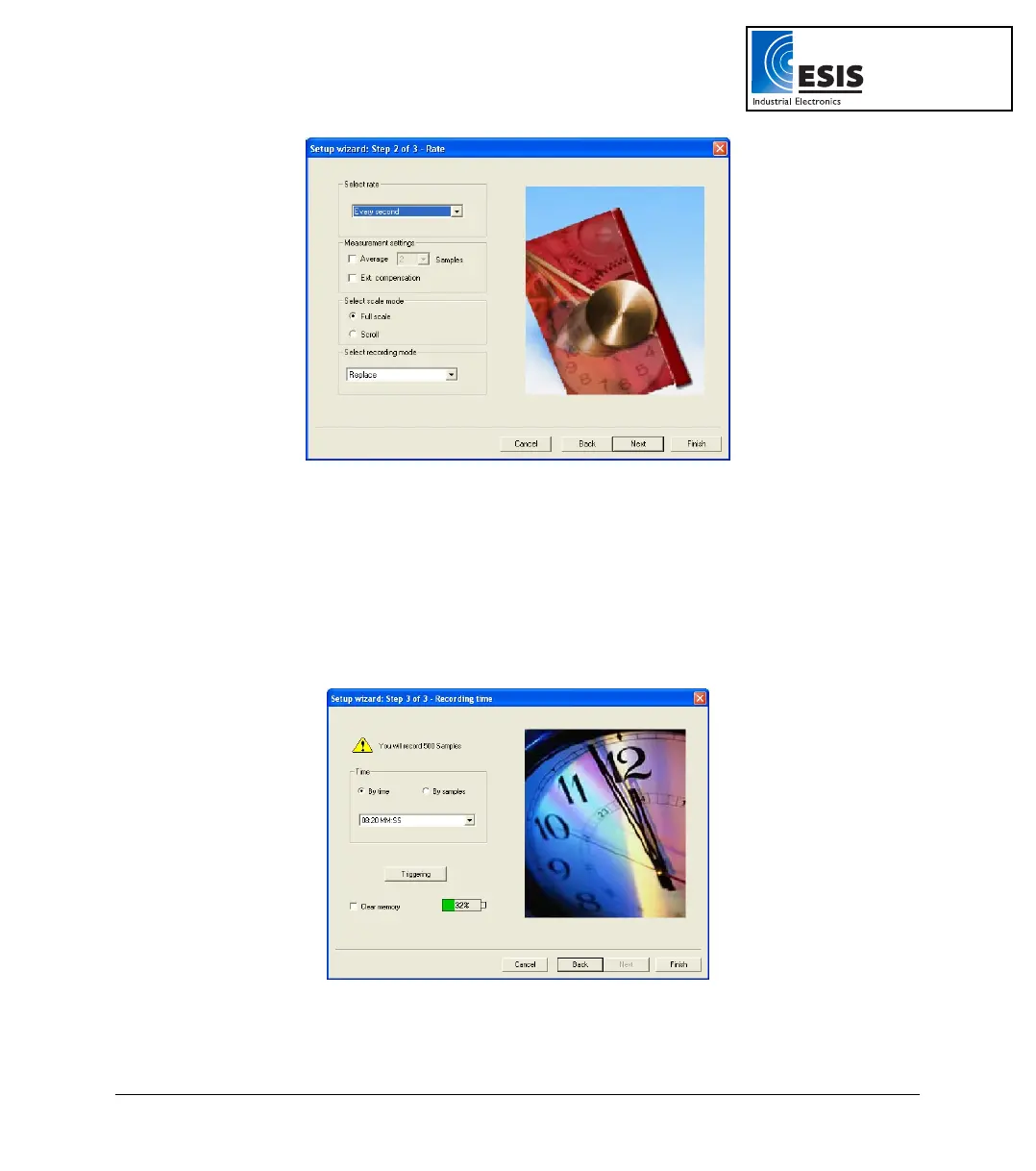
Figure 11: Setup wizard step 2 of 3
c. Select the desired recording rate in the Select rate drop-down menu.
d. Select the Scroll option if you want the graph window to scroll as the data
recording progresses.
e. Select the desired data recording mode in the Select recording mode drop-down
menu.
f. Click Next to move to the third step:
Figure 12: Setup wizard step 3 of 3
www.esis.com.au
Ph 02 9481 7420
Fax 02 9481 7267
esis.enq@esis.com.au



 To Next Page