60 Chapter 2 Working with DaqLab
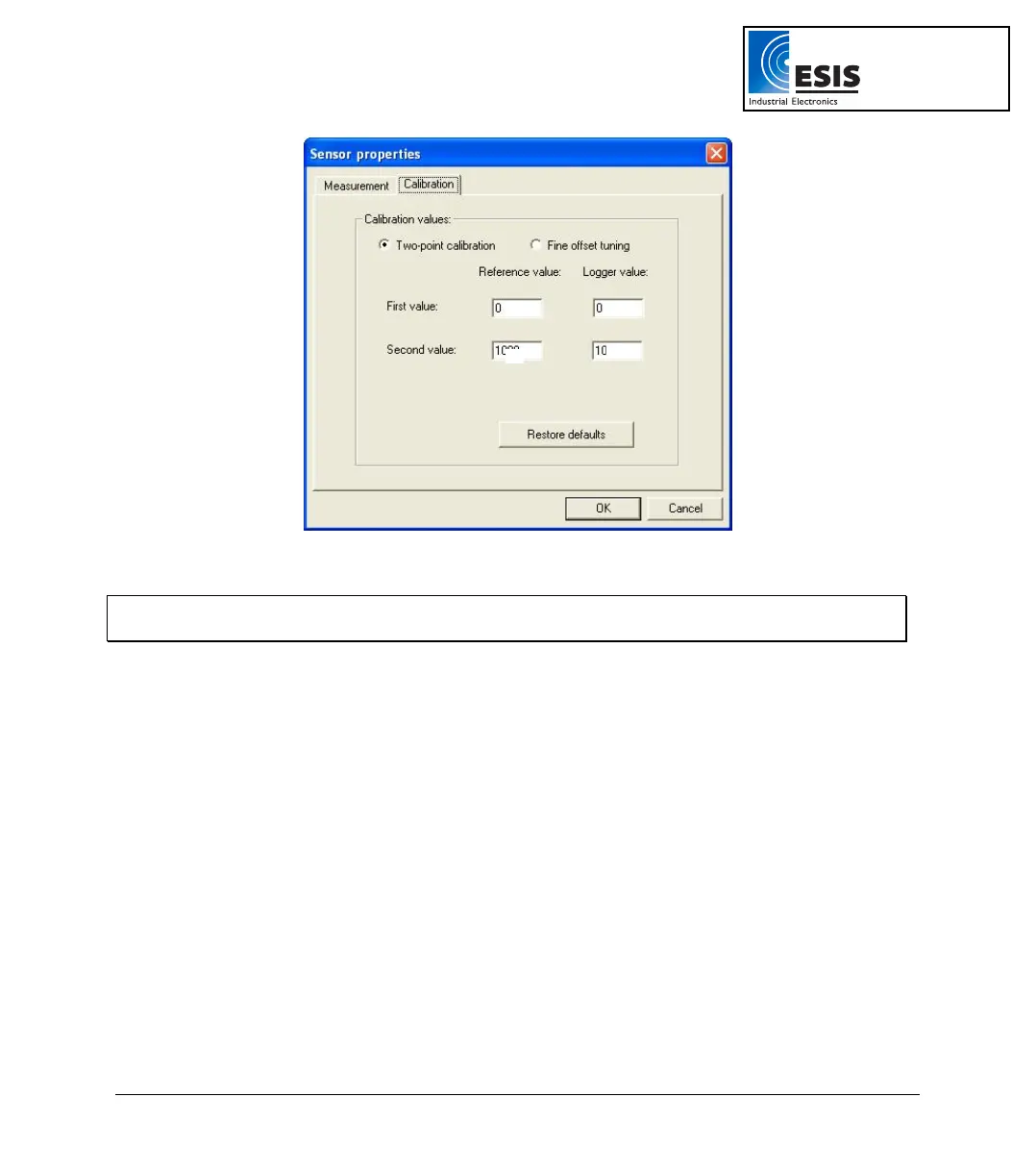
Figure 19: Two-point calibration dialog box
Note: We strongly recommend calibrating using the values that appear in the two Reference value
text boxes
e. If not selected, click the Calibration tab.
f. Click Restore defaults, then click OK.
g. Measure two known reference values and record both the reference values and
the values displayed by DaqLab.
Enter calibration values
a. Repeat steps 1 to 5 above.
b. Select the Two-point calibration option.
c. Enter a distinct reference value in each of the Reference Value text boxes and the
corresponding logger values in each of the Logger Value text boxes (the logger
values are the values displayed by DaqLab when measuring the two reference
values).
d. Click OK.
www.esis.com.au
Ph 02 9481 7420
Fax 02 9481 7267
esis.enq@esis.com.au



 To Next Page