Technology
Components, Connections, and Dimensions
Page 30
M0930207 I
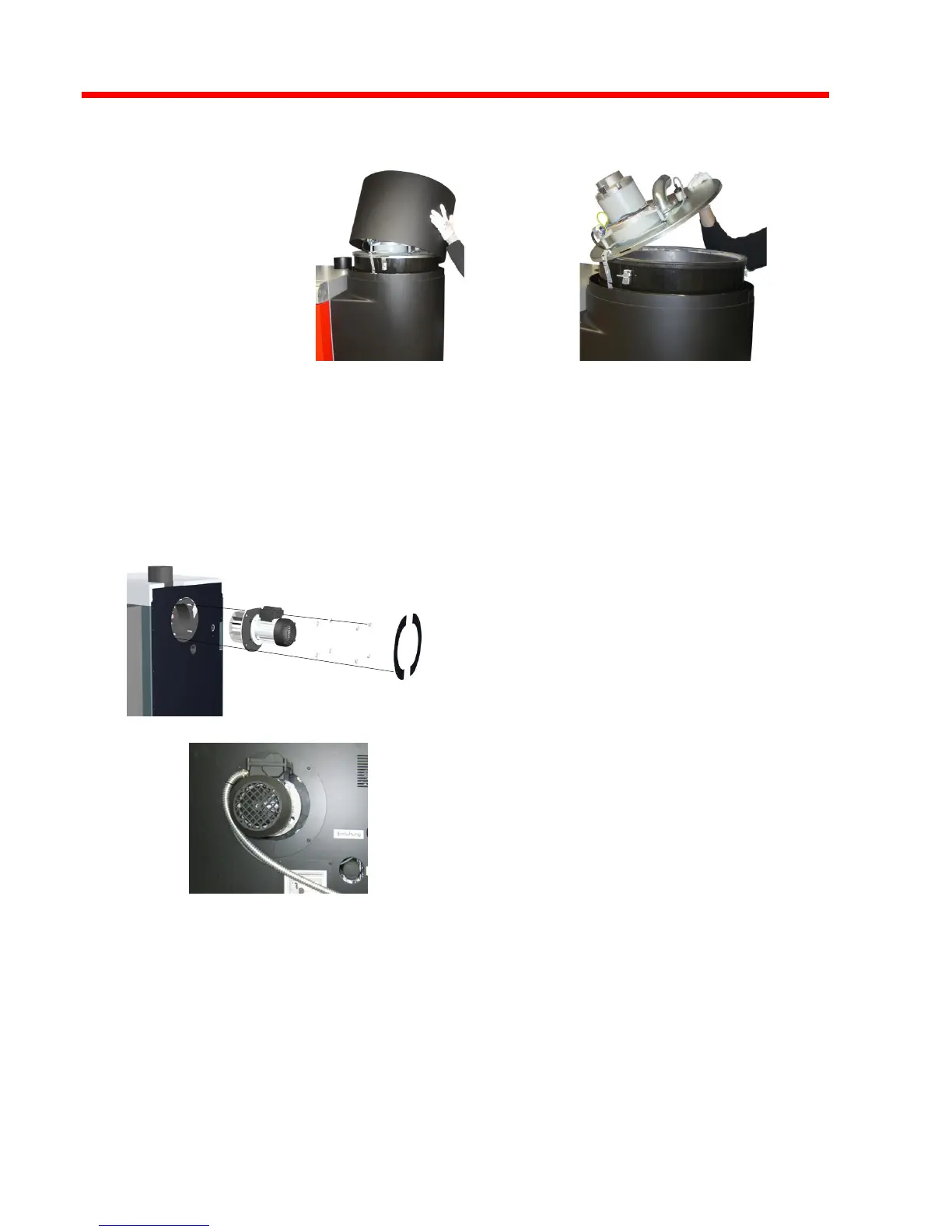
❒ Remove the locking screws on the sound insulation hood of the stoker
assembly and remove the sound insulation hood.
❒ Open the clamps on the suction cyclone container and remove the cover.
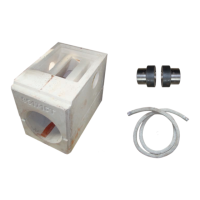
❒ Remove the cardboard containing the induced draught fan and accessories
package from the suction cyclone container.
Remove pre-installed cover plates of
the ID fan.
Unscrew pre-installed nuts and
spacer washers.
Attach and fix the ID fan as illustrated.
The straight edge must be up!
Mount the cover plates of the ID fan
again.





 To Next Page