USING SETUP MODE
5-14 User's Manual
Setup Mode Example (LCD)
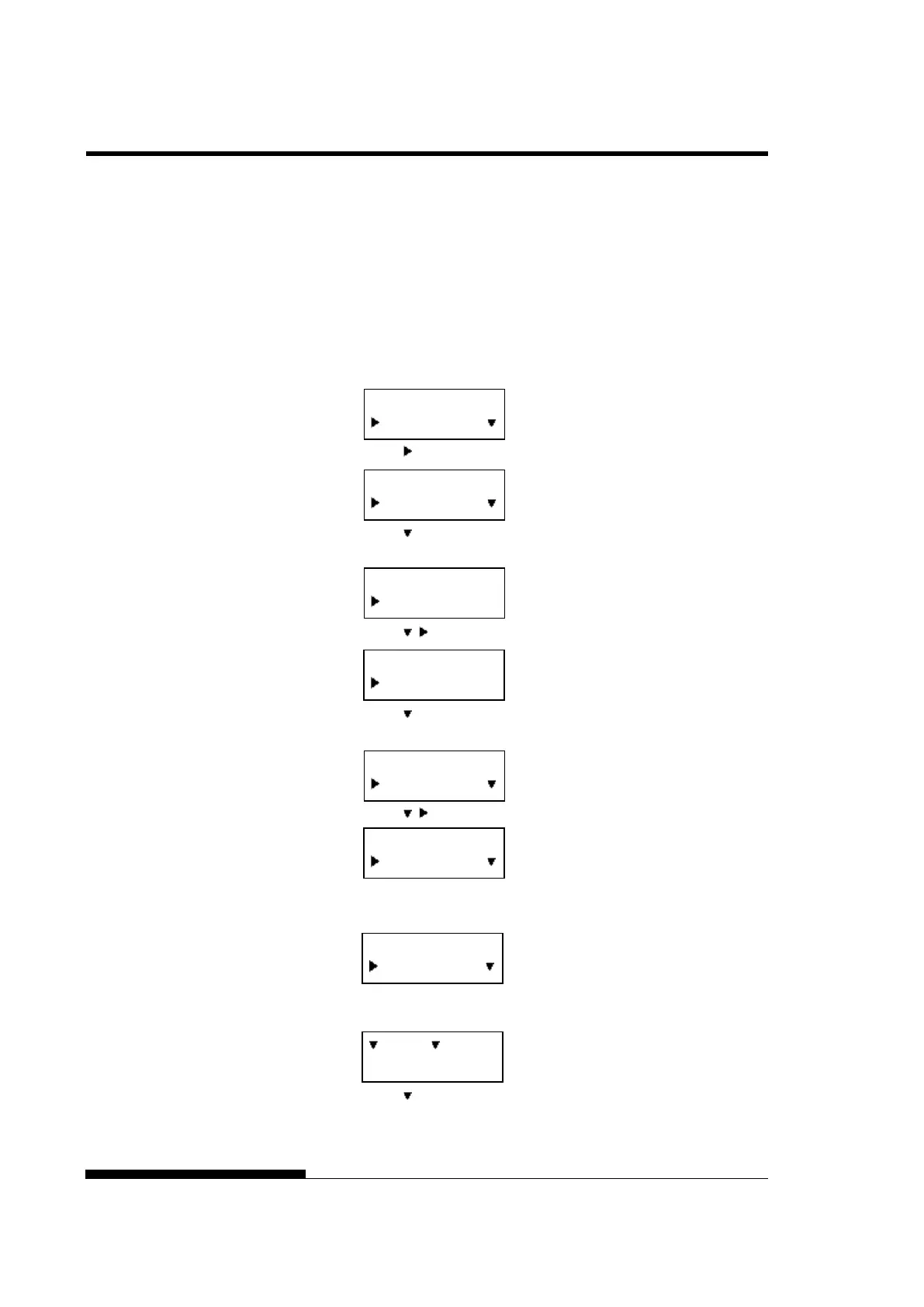
To become familiar with setup mode, try the following example. This
example shows how to change the Emulation in MENU2 to ESC/P2.
1. Press the ONLINE button to place the printer online.
2. Press the SETUP button to enter select menu. Then following
message is displayed.
3. Press button until following message is displayed.
4. Press buttons to move to lower layer. Then following
message is displayed.
5. Press , to choose Items in this layer.
6. Press buttons to move to lower layer. Then following
message is displayed.
7. Press , to choose Options in this Item.
8. Press SELECT button to select displayed option. Then “*” is
applied to a selected option (not saved yet).
9. Press SAVE/EXIT buttons to register selected option on
printer’s permanent memory.
10. Press to finish.
SETUP MODE
MENU1
SETUP MODE
MENU2
MENU2
MENU2
EMULATE
*DPL24C+
EMULATE
ESC/P2
EMULATE
*ESC/P2
:SAVE :CANCEL



 To Next Page