PAPER HANDLING
3-2 User's Manual
The following buttons are used in paper handling:
• LF/FF, TEAR OFF, PAPER PATH, MICRO FEED,
MICRO FEED and LOAD buttons on the control panel
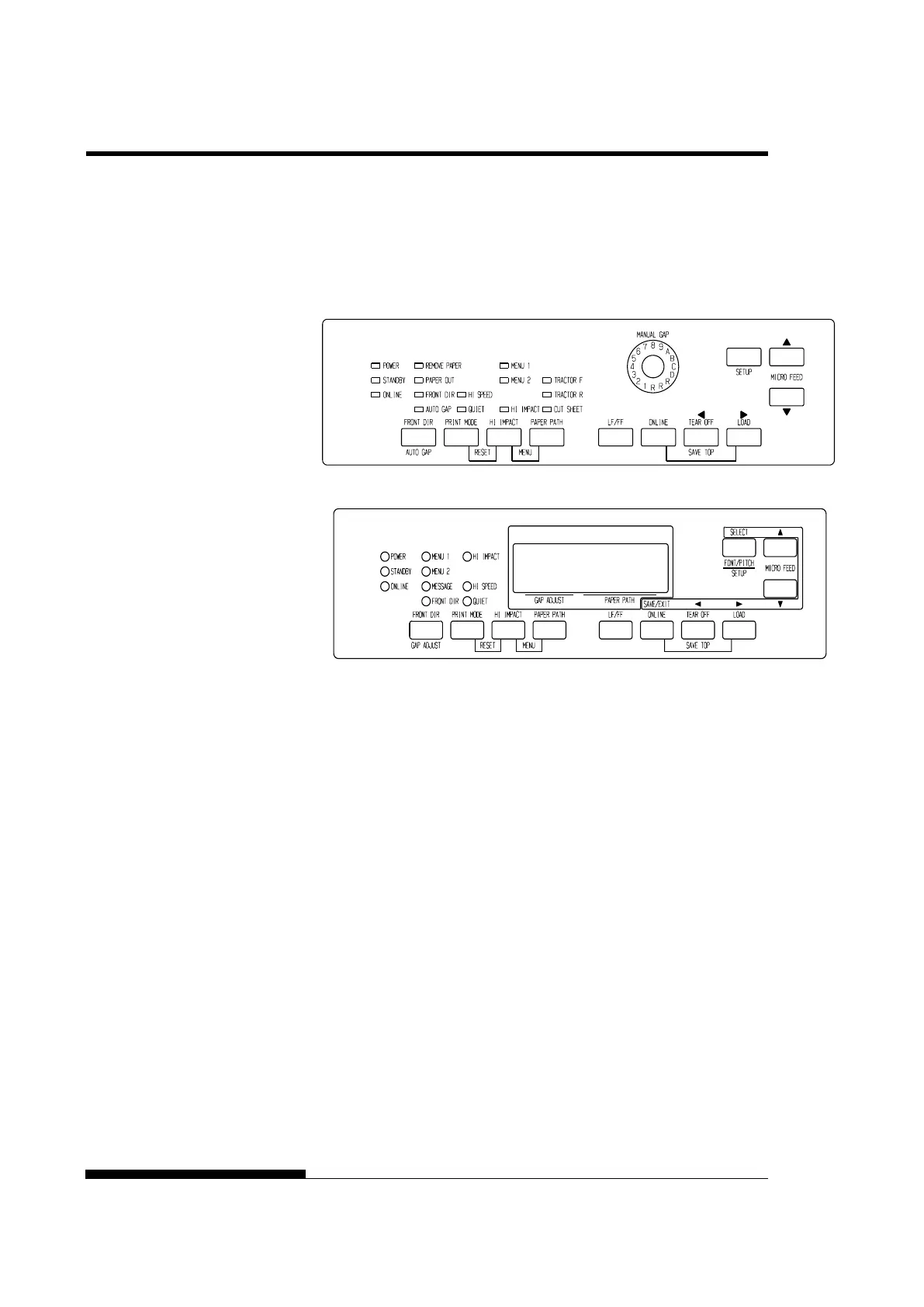
The following figure shows the location of each button:
LED type Control panel
LCD type Control panel
Location of the buttons
Table 3.1 summarizes the use of buttons in paper handling. More detailed
information is provided later in this chapter.
NOTE
To load or feed paper, the printer must be:
• Online but not receiving or printing data
• Offline but not in setup mode
To micro feed paper, the printer must be:
• Online but not receiving or printing data
• Offline but not in setup mode
PAPER
OPERATIONS



 To Next Page