PAPER HANDLING
User's Manual 3-11
The printer can handle paper of different thicknesses, including multipart
forms with up to nine parts (original plus eight copies). For details on
paper thickness specifications, see Appendix B.
The printer automatically adjusts for different paper thicknesses.
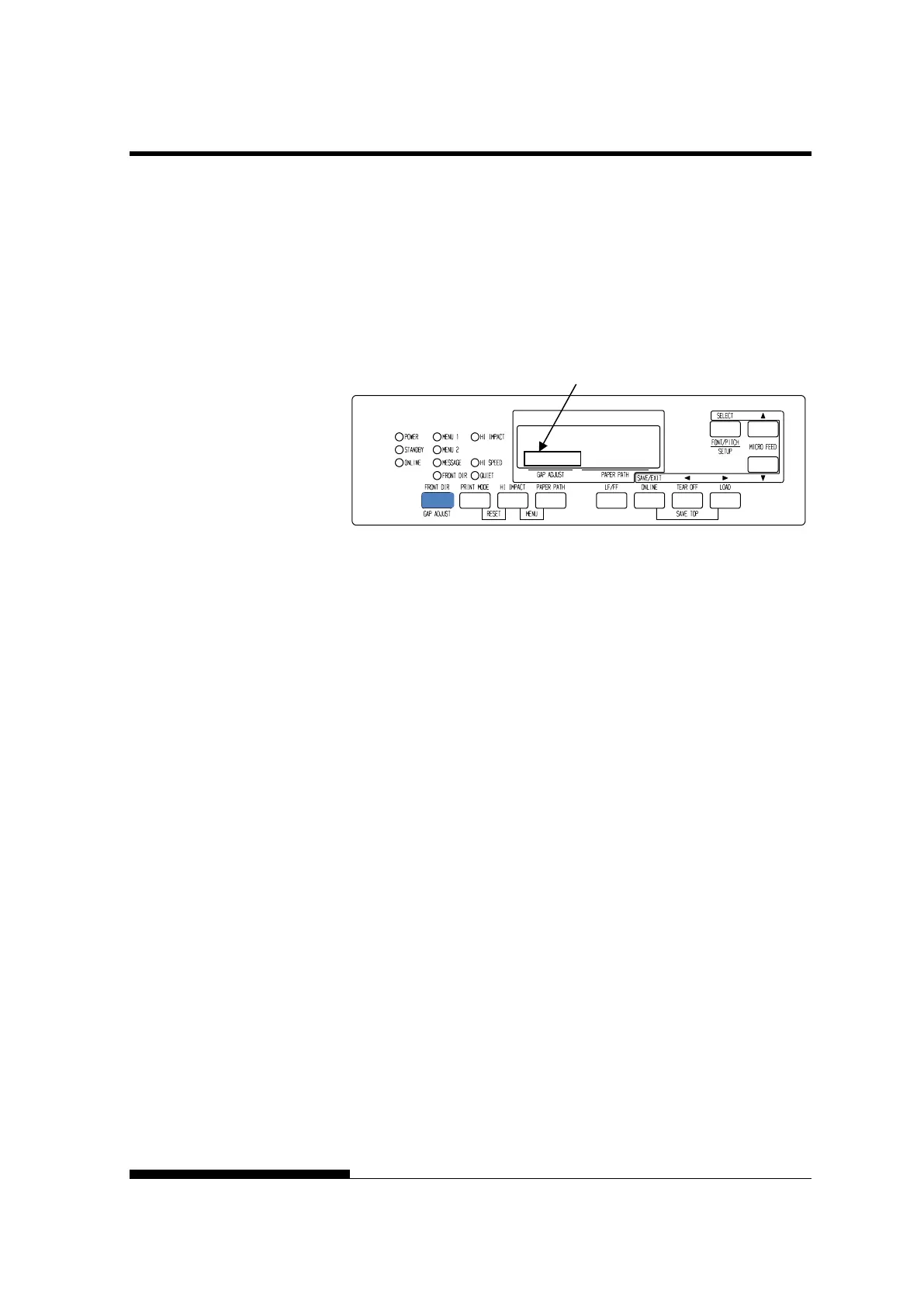
You can use the GAP ADJUST button to adjust the paper thickness
manually. To place printer manual mode, press AUTO GAP button 2
seconds or more so that AUTO GAP lamp is off.
Adjusting the manual gap
PAPER THICKNESS
(LCD)
Area for Gap adjust value



 To Next Page