USING SETUP MODE
User's Manual 5-13
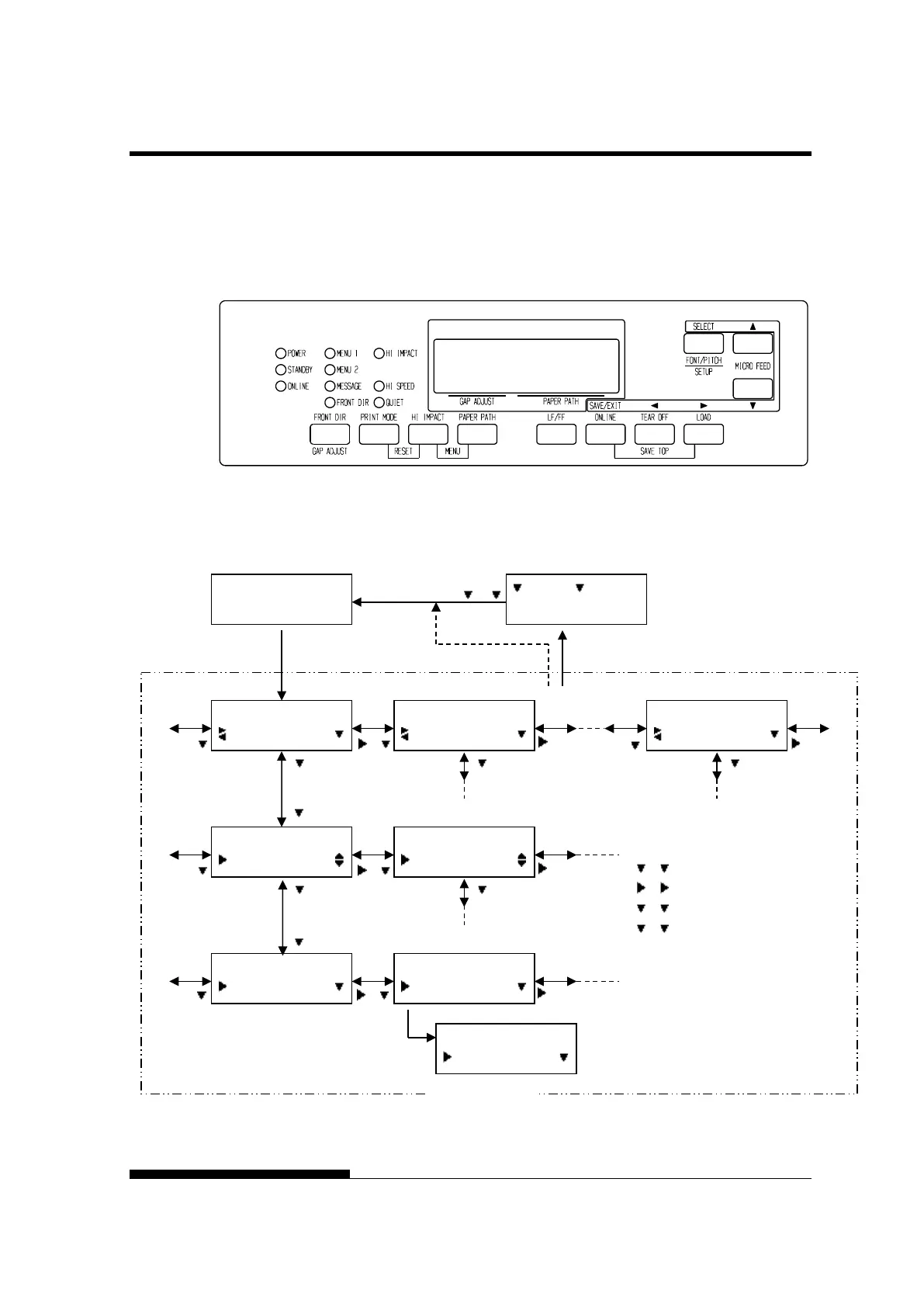
To enter setup mode, follow these steps:
1. Press the ONLINE button to place the printer offline.
2. Press the SETUP button until the printer beeps.
Entering setup mode
3. When the printer enters offline setup mode, LCD display shall
change as follows.
Transition of LCD SETUP MODE
MODE(LCD)
OFFLINE
AUTO TRACTOR F
SETUP MODE
MENU1
SETUP MODE
MENU2
SETUP MODE
SELFDIAGNOSTIC
MENU1
EMULATE
EMULATE
*DPL24C+
:SAVE :CANCEL
MENU1
FONT
EMULATE
XL24E
EMULATE
*XL24E
*
” is applied to a selected option.
: button
: button
: button
: button



 To Next Page