MAINTENANCE
User's Manual 6-9
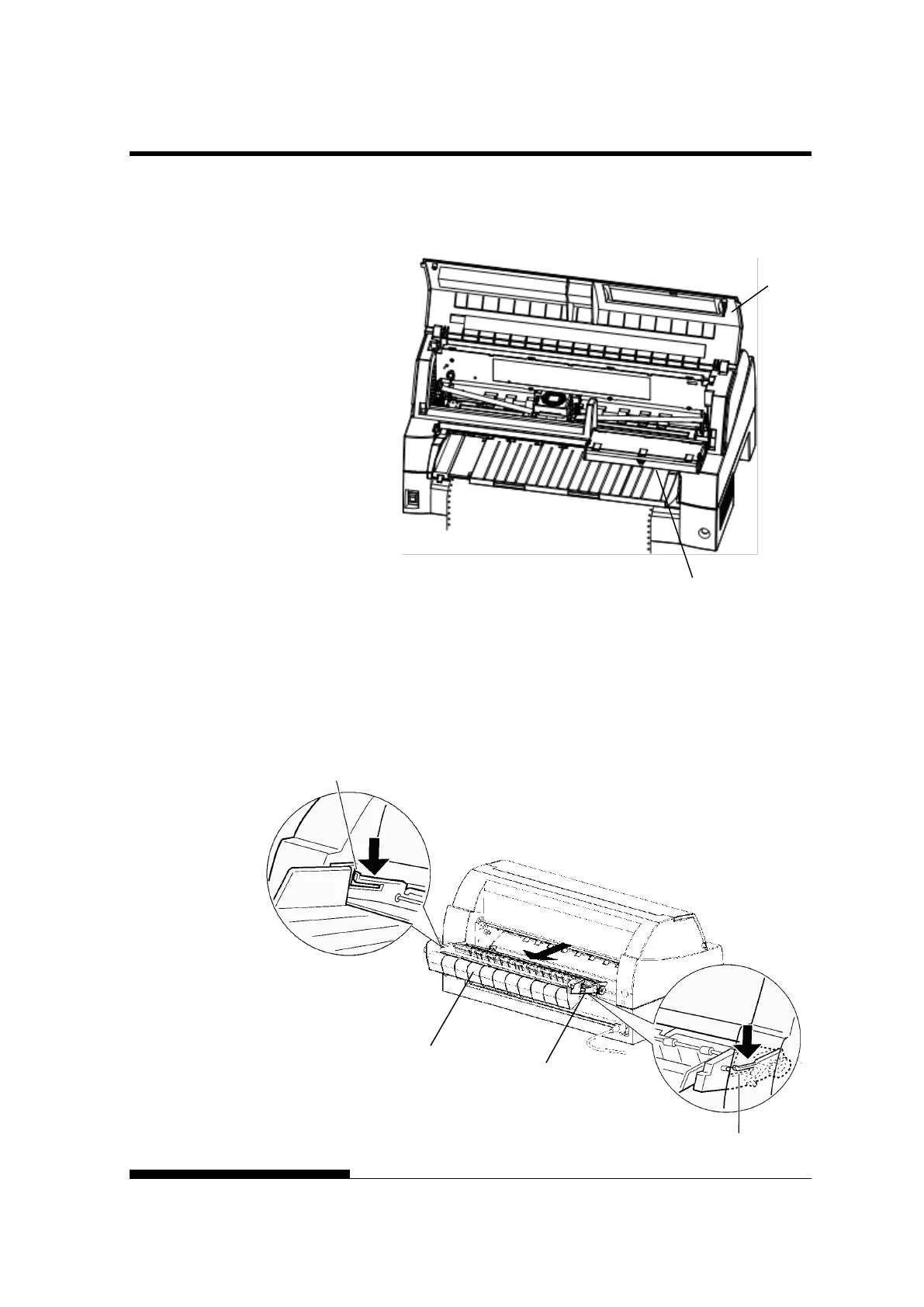
The control panel of this printer can be pulled down toward the front as
necessary, such as when jammed paper must be removed.
The stacker unit of this printer can be removed in the event that paper is
jammed in it unit.
While pushing down the lock levers of the stacker guide, pull out the
stacker unit from the rear.
CLOSING THE
CONTROL PANEL
STACKER UNIT
guide



 To Next Page