INSTALLING OPTIONS
8-14 User's Manual
The Acoustic noise can be decreased by installing Sound proof cover.
However, the cut sheet and Cut Sheet Feeder cannot be used.
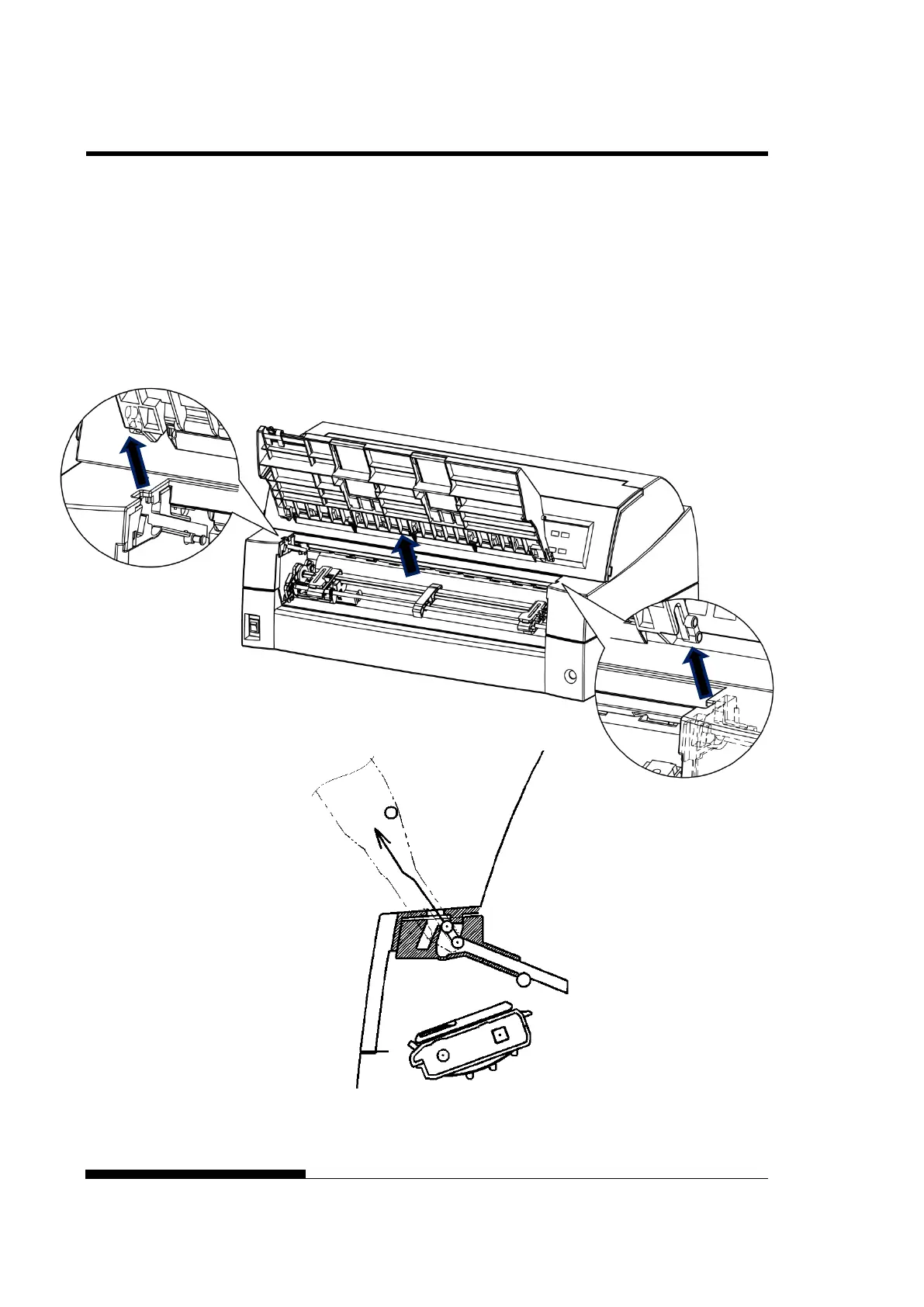
Removing the current paper table
After opening the paper table and adjusting it to a tilted position,
remove the paper table by pulling it to separate the left and right
protrusions on the paper table ends from the grooves on the cover.
SOUND PROOF
COVER



 To Next Page