PRINTER AND PAPER SPECIFICATIONS
B-8 User's Manual
Paper Thickness
Paper thickness is given by the weight of the paper in either grams per
square meter (g/m
2
) or in pounds per bond (lbs/bond). The following
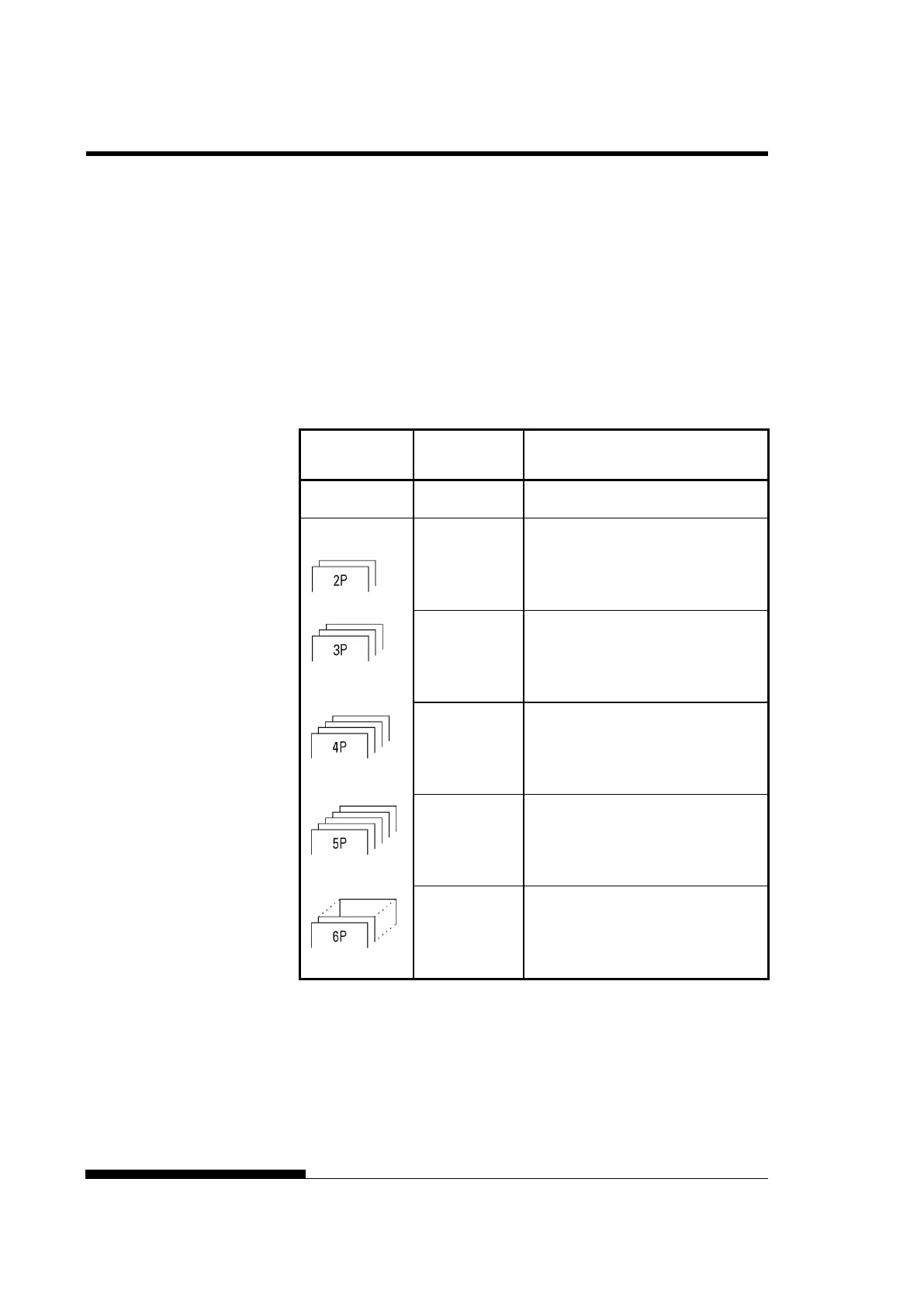
table shows the allowable paper thickness for one-part paper or for each
sheet of multipart paper. The total thickness must not exceed 0.65 mm
(0.026 inch).
The weight of carbonless or carbon-backed paper may vary, depending
upon the paper manufacturer. When using paper of borderline thickness,
test the paper before running a job.
Type of Paper Number of
Parts
Thickness
One-part Single 47-81 g/m
2
(40-70 kg or 12-22 lb)
Carbonless
Top
Bottom
40-64 g/m
2
(34-55 kg or 11-17 lb)
40-81 g/m
2
(34-70 kg or 11-22 lb)
Top
Middle
Bottom
40-50 g/m
2
(34-43 kg or 11-13 lb)
40-50 g/m
2
(34-43 kg or 11-13 lb)
40-81 g/m
2
(34-70 kg or 11-22 lb)
Top
Middle (2-3p)
Bottom
40 g/m
2
(34 kg or 11 lb)
40 g/m
2
(34 kg or 11 lb)
40-81 g/m
2
(34-70 kg or 11-22 lb)
Top
Middle (2-4p)
Bottom
40 g/m
2
(34 kg or 11 lb)
40 g/m
2
(34 kg or 11 lb)
40-64 g/m
2
(34-55 kg or 11-17 lb)
Top
Middle (2-5p)
Bottom
40 g/m
2
(34 kg or 11 lb)
40 g/m
2
(34 kg or 11 lb)
40-64 g/m
2
(34-55 kg or 11-17 lb)
kg: Weight in kilograms of 1000 sheets of 788 × 1091 mm paper
(1.16 g/m
2
)
lb: Weight in pounds of 500 sheets of 17 × 22 inch paper (3.76 g/m
2
)



 To Next Page