SETTING UP
2-16 User's Manual
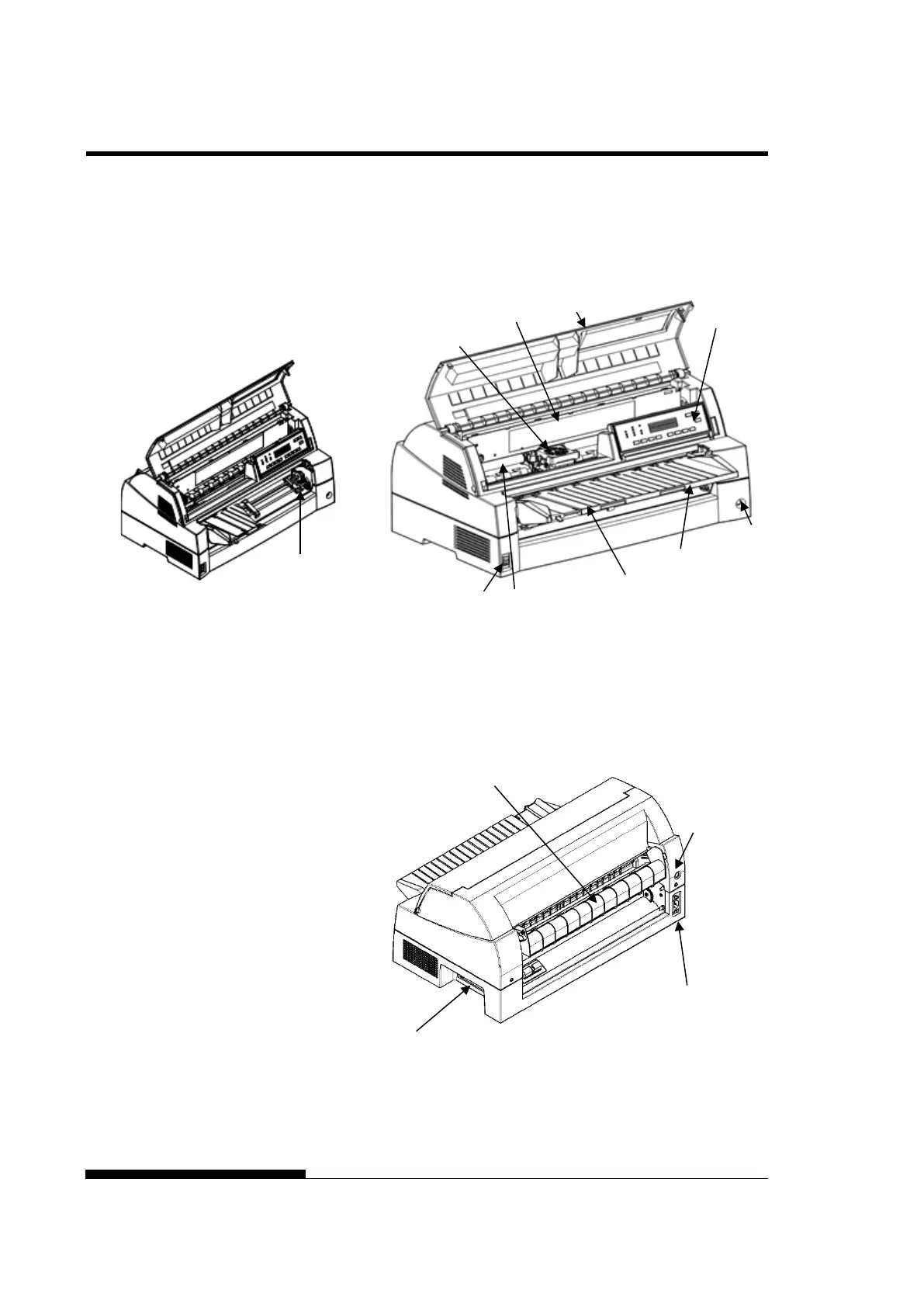
Now that your printer is assembled, take a moment to become familiar
with its major parts.
Looking at the printer from the front left side and rear right side, you
can see the parts of the printer shown in the figure below.
Printer components (front)
The printer control panel has the buttons and indicators used to load and
feed paper (see Chapter 3) and select print features (see Chapter 4). The
control panel also allows you to change the printer’s optional settings
(see Chapter 5).
Printer components (rear)
ACQUAINTED WITH
YOUR PRINTER
Card Guide
(Aluminum print guide)



 To Next Page