PAPER HANDLING
3-28 User's Manual
Load Position Adjust
Use also the micro feed function to adjust the load position of the paper.
• When the MICRO button or the MICRO button is used
immediately after the LOAD button is pressed, the adjusted
position of paper is retained as the new load position until the
power is turned off.
• Pressing the ONLINE and LOAD buttons simultaneously saves
the new position permanently.
The load position can be set for single sheets and continuous forms
respectively.
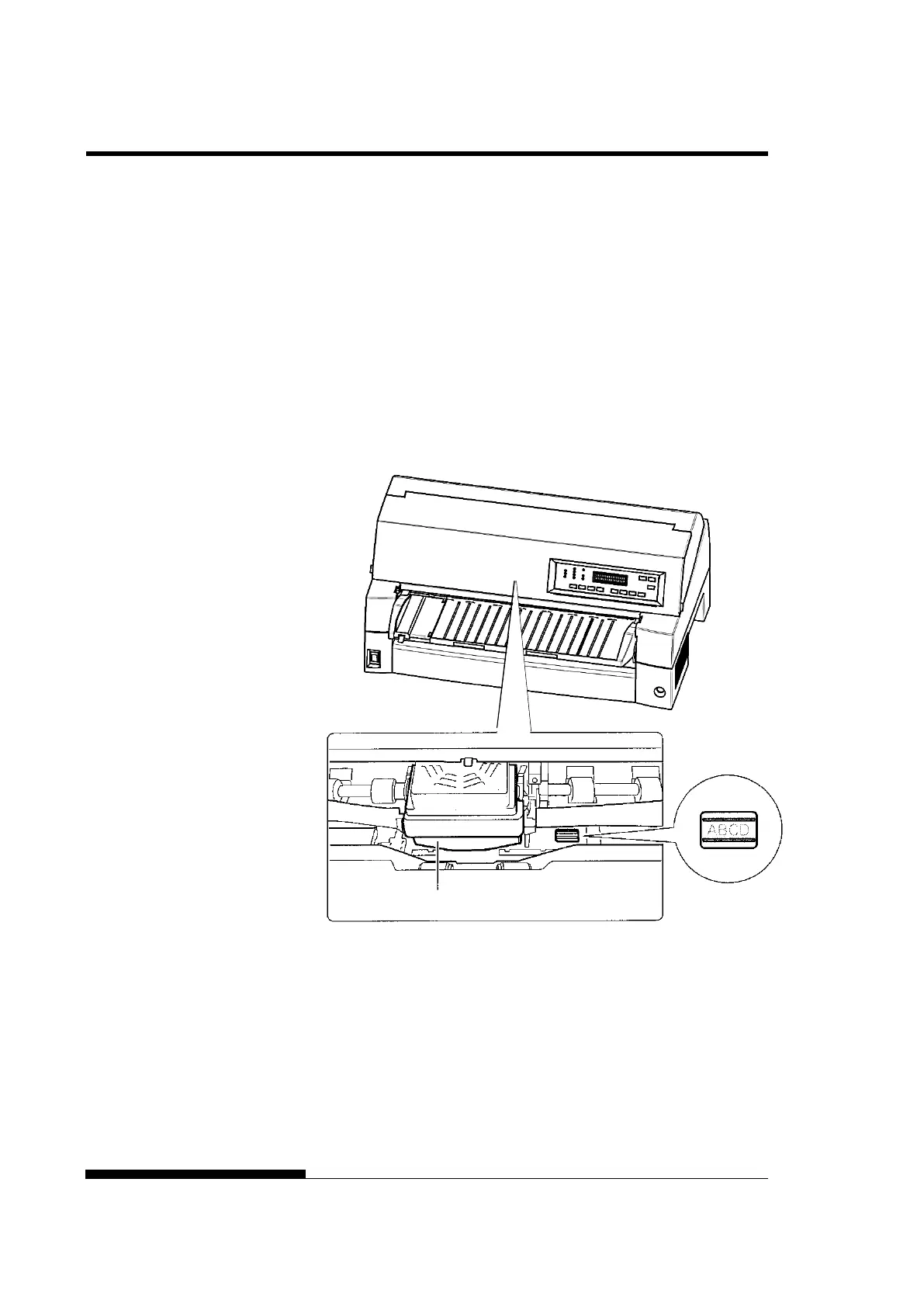
Adjusting Load Position by Using Window of Card Guide
The lines of window on the right side of card guide indicate printing line.
So use this as a guide to adjust load position.



 To Next Page